





Key takeaways
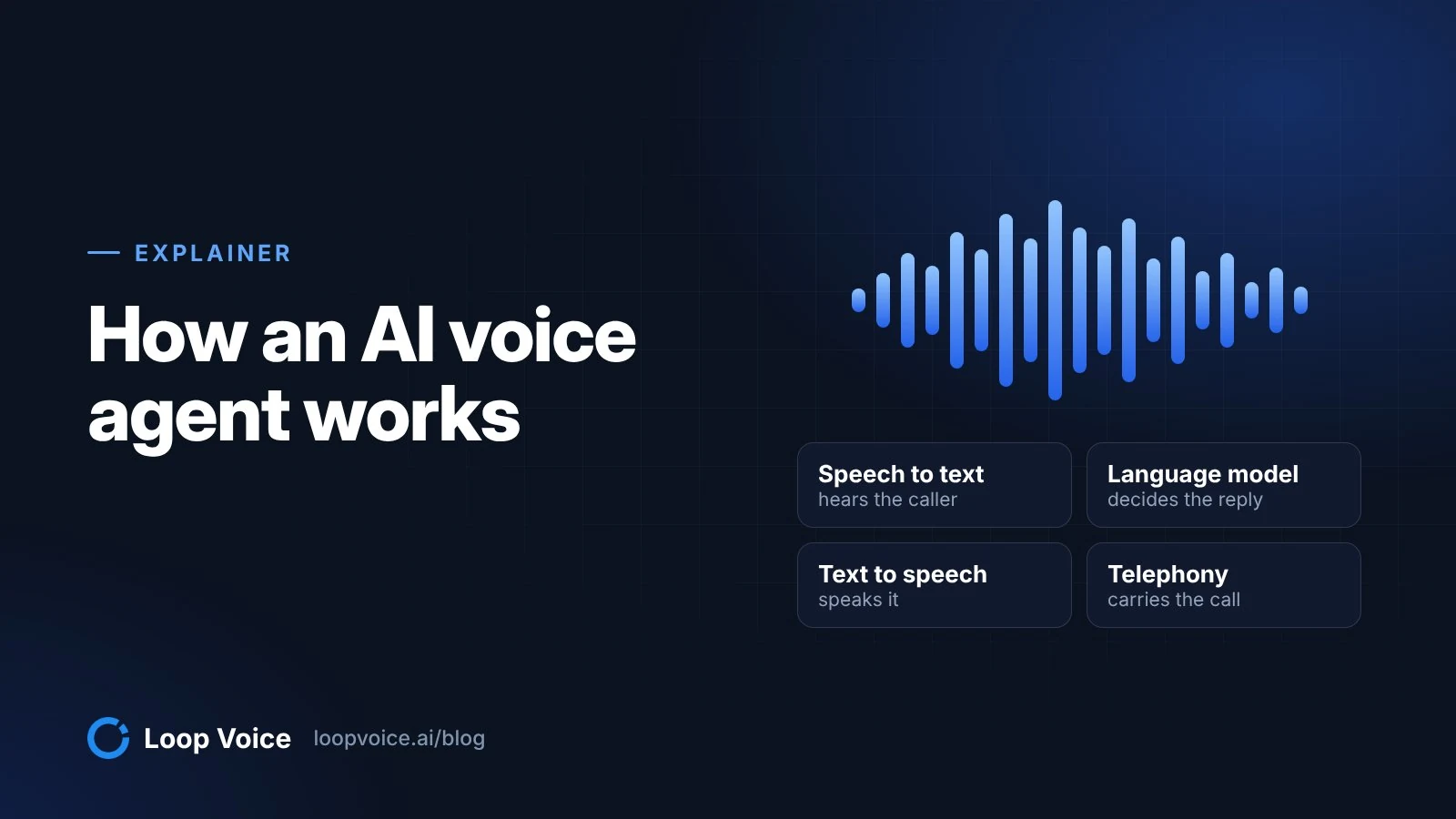
- Four parts: speech recognition, a language model using your store data, a synthetic voice and a phone line.
- Each turn should finish in about a second; Twilio's starting target is 1,115 milliseconds mouth to ear.
- Shopify events such as abandoned checkouts start outbound calls; inbound agents answer order and return questions.
- Judge one on real recordings, your own attempts to break it, and cost per answered conversation.
What an AI voice agent is
An AI voice agent for ecommerce is software that holds a live phone conversation for a store: it hears the caller (speech recognition), decides what to say from the store's data and rules (a large language model), speaks (a synthetic voice) and runs over an ordinary phone line (telephony). It calls shoppers when the store reports an event such as an abandoned checkout, answers when customers call about orders, and has to finish each turn in about a second; Twilio's latency guide sets 1,115 milliseconds from the moment the caller stops talking to the reply reaching their ear as a starting target.
Unlike a phone menu, the caller talks normally and the agent answers what they actually asked. Unlike a recorded robocall, it listens and changes course: if the shopper says the shipping cost stopped them, the conversation is about shipping, not a script about 10% off.
For a store, that makes two jobs possible on the phone without hiring for them: calling shoppers who stalled at checkout while they still care, and answering order, return and shipping questions at any hour.
The four parts, in plain English
Loop Voice, like any cascaded voice agent, is built from four components. Knowing them helps you understand why calls sometimes go wrong, and which part to blame.
| Part | What it does | What goes wrong when it is weak | Loop Voice's provider |
|---|---|---|---|
| Speech recognition (speech-to-text) | Turns the caller's audio into text and decides when they have finished talking | Mishears names and codes; cuts in during a pause | Deepgram |
| Large language model | Reads the transcript, your instructions and store data, then decides the reply and any action | Invents an answer when the knowledge is missing | OpenAI |
| Voice (text-to-speech) | Turns the reply into natural-sounding audio | Mispronounces product names; sounds flat | Loop Voice's own voices, plus ElevenLabs, xAI and Vapi voices |
| Telephony | Connects to the phone network, carries audio both ways and shows the caller ID | Calls go unanswered or get labeled as spam | Twilio |
The last column comes from Loop Voice's public subprocessor list on its security page, which also names Vapi for realtime voice orchestration, the layer that keeps the other four in sync. If you want the deeper explanations, IBM has clear primers on speech recognition, large language models and text to speech, and Twilio's Media Streams documentation shows how live call audio is handed to software in the first place.
Vapi's own introduction to voice agents describes the same three-step core (speech-to-text, a language model, text-to-speech), which Twilio calls a cascaded architecture. An ecommerce agent differs from a general one in what surrounds that core: store data, rules and checkout-aware behavior.
One turn of a call, step by step
Each time the shopper stops talking, the agent runs the whole loop once. Twilio's guide to core latency in AI voice agents gives starting targets for each step: about 350 milliseconds for speech-to-text, 375 for the language model to start answering and 100 for the voice to start speaking, which adds up with network time to roughly 1.1 seconds from mouth to ear.
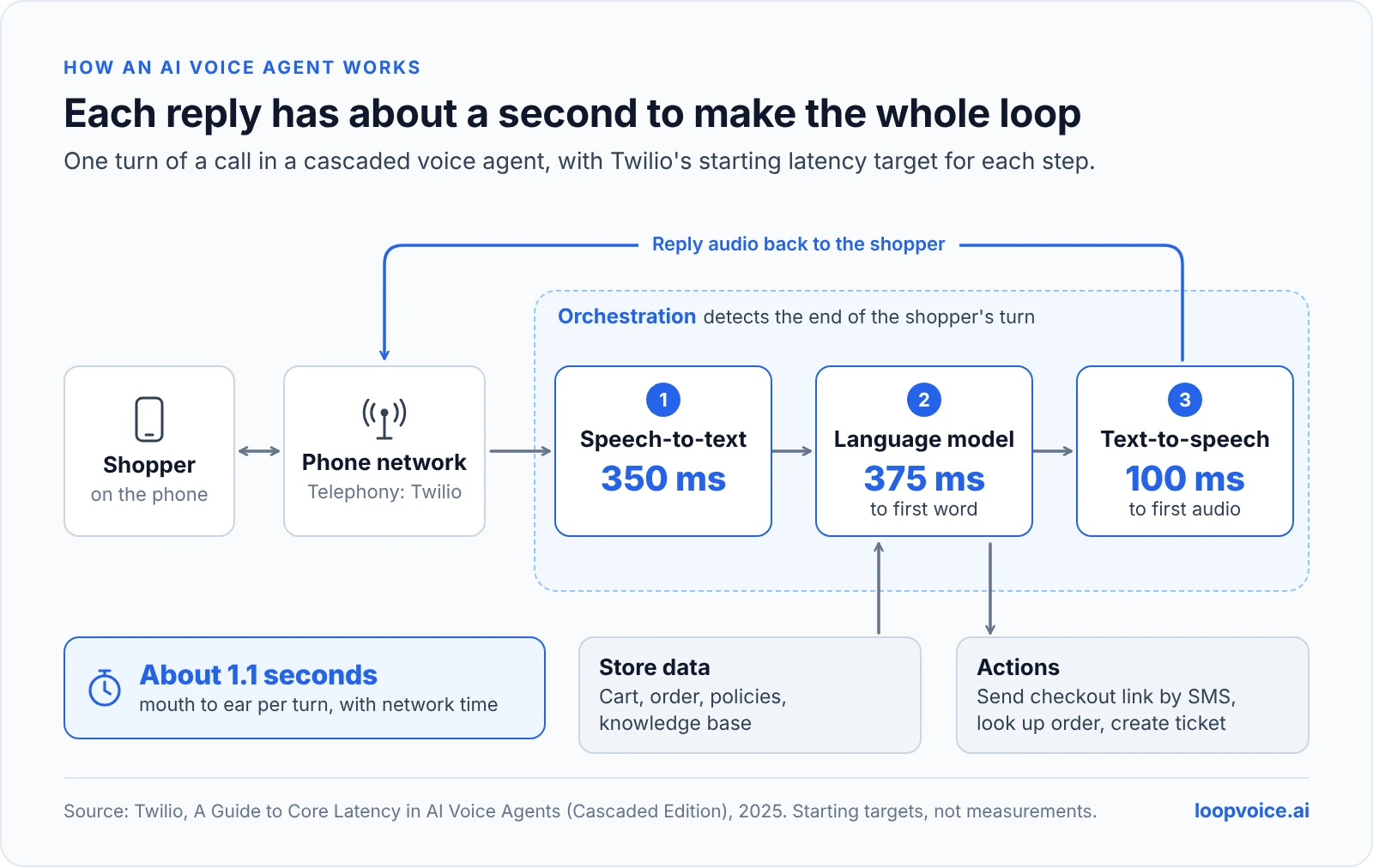
Two practical consequences for a store. First, a pause of about a second before each reply is normal for this architecture. Second, the hardest part is deciding when the shopper has finished: Twilio notes that silence-based turn detection usually waits around 500 milliseconds, and that pushing it shorter risks the agent interrupting people mid-sentence. When you test an agent, pause in the middle of a sentence on purpose and see whether it talks over you.
How it plugs into Shopify
An outbound agent needs to know when something happened in the store. Shopify sends that through webhooks, which apps subscribe to for near-real-time data about events such as a checkout being created or updated (checkouts/create, checkouts/update) and an order being placed (orders/create).
The abandoned checkout is the event most stores start with. In Shopify's Admin API documentation, a checkout counts as abandoned when the customer has added contact information but not completed the purchase, and each one carries the customer's details, the line items, pricing and a recovery URL that reopens their cart. That is everything a recovery call needs: who to call, what they were buying, and a link to finish.
Here is the sequence in Loop Voice, from cart to attributed order:
- The shopper enters contact details at checkout and stops.
- The flow waits ten minutes by default (you can change the delay).
- Eligibility checks run: the shopper has not ordered since, is not on the do-not-contact list, the call falls inside your calling window in their own time zone, and they are under your frequency cap.
- The agent calls, names the store and asks what stopped the order. It answers from your policies and offers its discount code only if price is the objection.
- If it helps, the agent texts the checkout link during the call.
- The order comes in, the flow stops, and the revenue is attributed to the call that caused it.
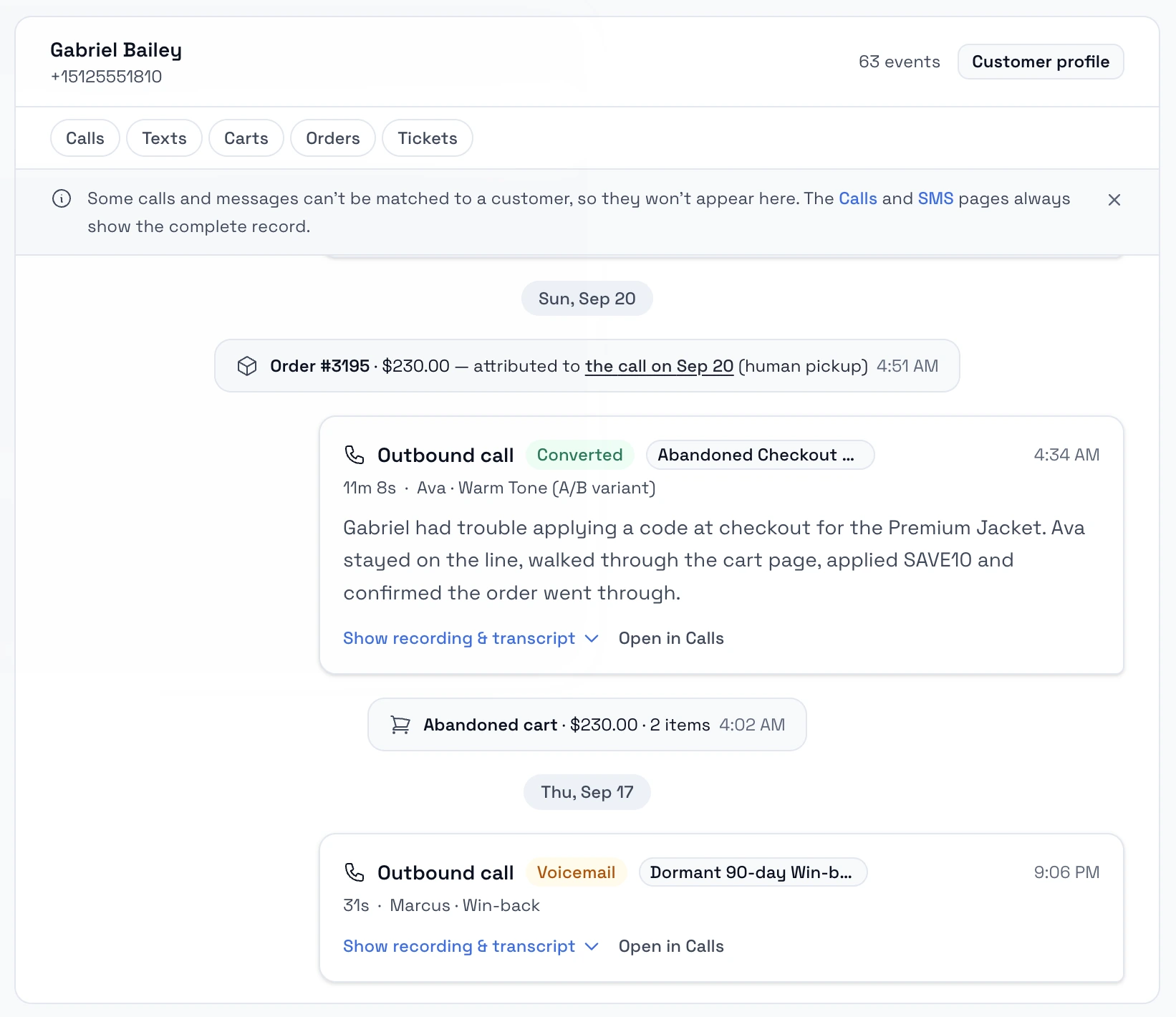
Nothing is installed on your storefront; the connection runs through Shopify's APIs, so site speed is unaffected. Attribution tells you which orders followed a call. Whether the call caused them is a separate question, and the honest way to answer it is a holdout group that gets no call; how to run a holdout test walks through it.
Four setup mistakes that make a good agent sound bad
Each of these is a configuration choice, so each can be fixed before launch:
- Calling carts that were never checkouts. Shopify only records an abandoned checkout once the shopper has entered contact details. A visitor who added to cart and left anonymously cannot be called, so do not size the opportunity from cart adds.
- A discount without its conditions. If the code excludes sale items or cannot be combined with another offer, the agent has to know, or it promises something checkout will then refuse. Test a shopper who asks for more than the approved offer.
- Channels without a shared stop rule. When email, SMS and calls run in separate tools, a shopper who already ordered can keep getting reminders. An order should end every sequence at once.
- Skipping the hard tests. A clean demo proves little. Interrupt the agent, answer vaguely and ask something it cannot know before any shopper hears it.
Outbound and inbound are different jobs
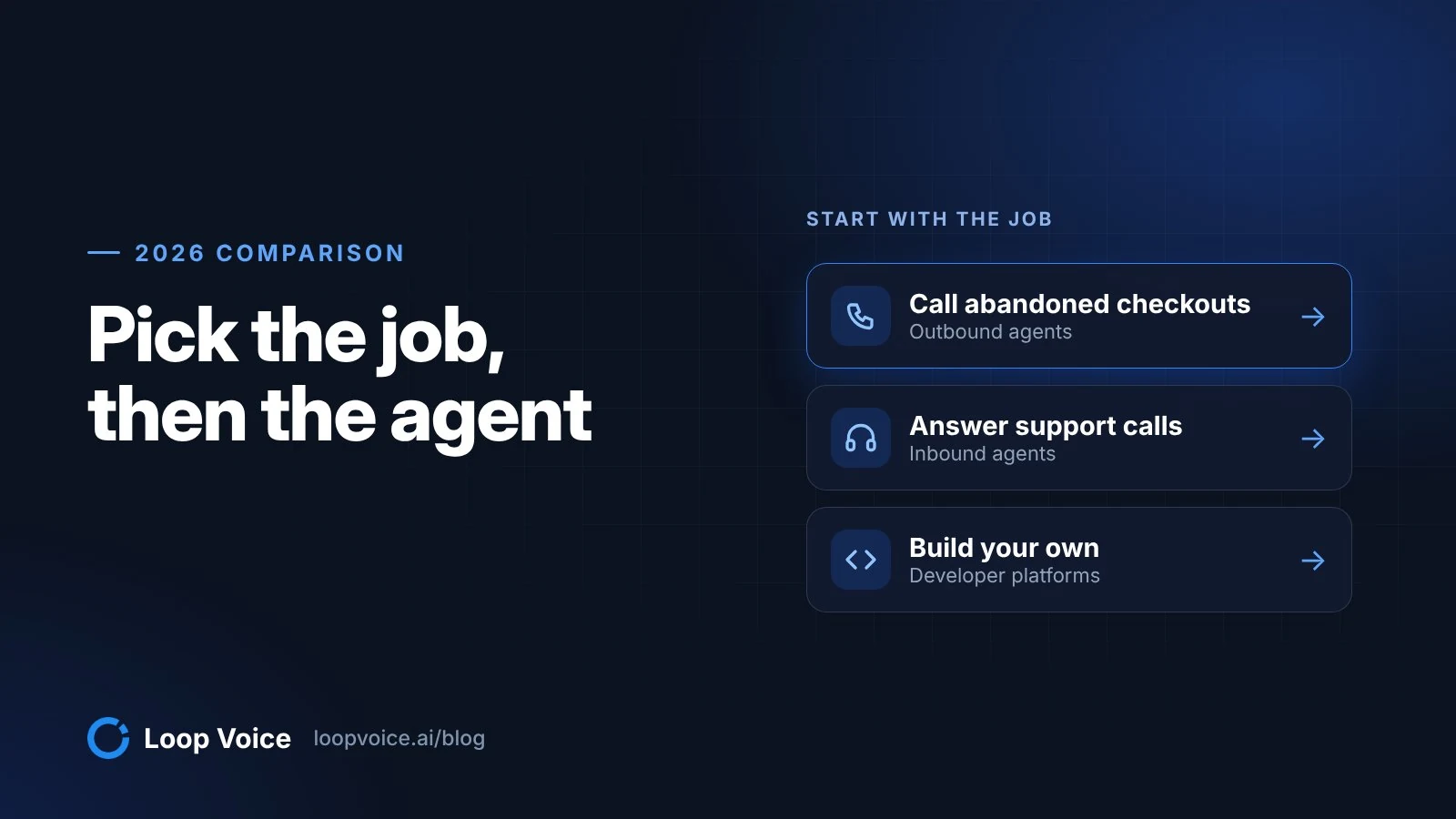
The same technology does two jobs with different rules. Set them up separately, even when one agent does both.
| Outbound | Inbound | |
|---|---|---|
| Starts with | A store event: abandoned checkout, order placed or fulfilled, second order, viewed product, added to cart | A customer calling your number |
| Typical jobs | Cart recovery, post-purchase upsell, win-back, review requests, subscriber check-ins, failed payments | Order status, returns and exchanges, sizing, shipping, subscription changes |
| Rules that matter most | Consent, quiet hours, frequency caps, stop on order | Scope, escalation, a clean handoff to a person |
| Success looks like | Orders attributed to calls, few opt-outs | Questions resolved without a handoff, no repeat calls |
What a good outbound call sounds like is easiest to show. This clip is from Modern Hearing, a hearing aid store: the shopper, Melvin, kept landing back on the card screen, and the agent stayed on the line while he tried again.
The key moment is plain instructions, one at a time: "Okay, go ahead and click pay now once, and then just tell me what happens on the screen." Melvin reads back the confirmation, and the agent closes it: "Perfect. That means it went through." Across its calls, Modern Hearing has recovered $300,000+, with 11% of calls becoming a sale.
Inbound is a different discipline: what the agent may resolve, when it must hand off, and how the ticket reaches your team. Setting up an AI phone agent for store support covers it in detail.
What it can and can't do today
What a well-set-up agent does reliably:
- Holds an open conversation, including interruptions and changes of topic.
- Uses your store data: the cart, the order, your policies and product details.
- Stays on the line while a shopper finishes checkout, and spells a discount code letter by letter.
- Texts the checkout link during the call and hands off to a person with a summary when it should.
- Works nights, weekends and holidays (24/7).
What it can't or shouldn't do:
- Take card payments. Payment stays in checkout; Loop Voice never stores card data.
- Make exceptions. Refunds outside policy and similar judgment calls belong to a person.
- Give medical or legal advice. It can quote your published guidance and refer the caller on.
- Answer what it was never told. With missing knowledge, a good agent escalates; a badly set-up one guesses. Test for this.
- Reach people who don't pick up. Hiya's State of the Call 2026 puts unanswered unknown calls at 86%, which is why caller ID and timing matter as much as the script.
- Call anyone it likes. The FCC's 2024 declaratory ruling confirmed that AI-generated voices count as artificial voices under the TCPA, so the consent rules for robocalls apply. Our guide to whether it is legal to call shoppers explains what that means for a store.
What it costs
There are two ways to pay for an AI voice agent, and they price different things.
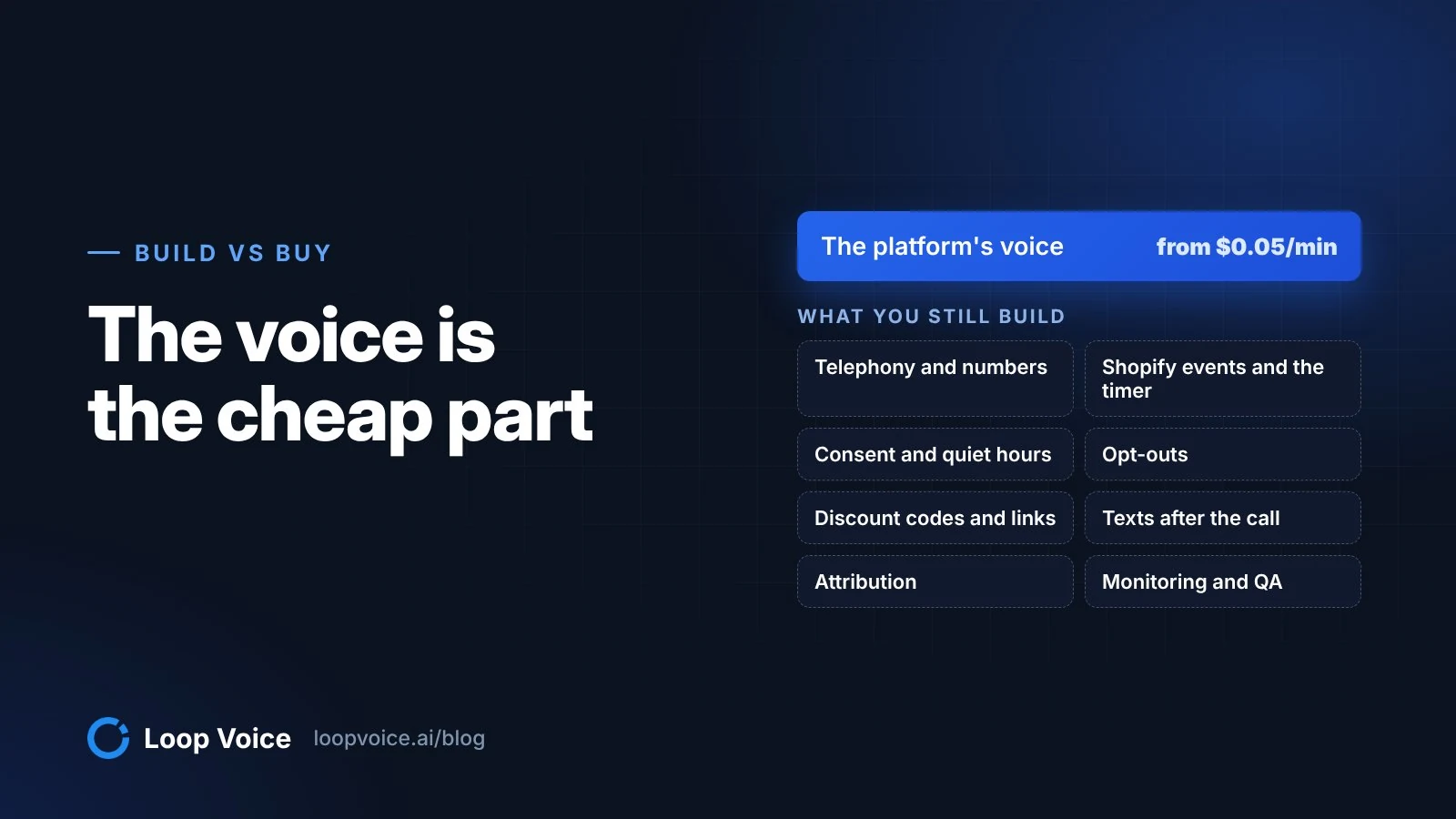
Build it from parts and you pay per minute, per component. Telephony alone is $0.0140 a minute to place a call from a local number on Twilio US voice pricing, and speech recognition, the language model and the voice are billed separately on top, along with the engineering time to connect them to your store. Build on Retell or Vapi, or buy a ready-made agent compares the two routes.
Buy a ready-made ecommerce agent and you usually pay per answered conversation. On Loop Voice, an answered conversation uses about 1.5 credits and calls nobody answers use none:
| Plan | Monthly price | Credits | About this many answered conversations | Cost per answered conversation |
|---|---|---|---|---|
| Starter | $119 | 120 | 80 | about $1.49 |
| Growth | $399 | 500 | 330 | about $1.20 |
| Scale | from $975 | 1,500 | 1,000 | about $0.98 |
| Enterprise | $3,790 | 6,000 | 4,000 | about $0.95 |
These are capacity estimates at monthly list prices, not promised results; yearly billing lowers them to about $0.76 to $1.19.
Example: a store that calls 2,000 abandoned checkouts a month, with 12% of shoppers picking up (about the rate in our October 2026 benchmark), has 240 answered conversations, or about 360 credits, which fits the Growth plan at $399. If 9% of those conversations end in an order worth $60 in contribution margin, that is about 22 orders and $1,300 of margin. Run the same math with your own margin, not revenue, and compare it with the cost of people doing the work in AI voice agent vs call center costs.
How to judge an AI voice agent before you buy
Demos are recorded on good days. Judge an agent on real calls and on your own attempts to break it:
- Listen to real recordings, ideally from stores like yours. Check that the agent names the store first, handles interruptions, admits it is an AI when asked and knows when to stop. Loop Voice publishes a library of real calls with transcripts for this reason.
- Call it yourself. Interrupt it, go silent, mumble a discount code back wrong, ask for a person, ask something it cannot know.
- Ask what triggers a call and what stops one. You want stops on order, opt-out, the do-not-contact list and a negative call, plus quiet hours in the shopper's time zone.
- Ask how it uses discounts. One code, offered only when price is the objection, is the safe default.
- Ask how results are measured. Orders tied to the call by order number is the minimum; a holdout test is the proof.
- Ask about data. What it can access, whether it stores card data, how long recordings are kept and who the subprocessors are.
- Price it per answered conversation at your expected pickup rate, not per minute or per dial.
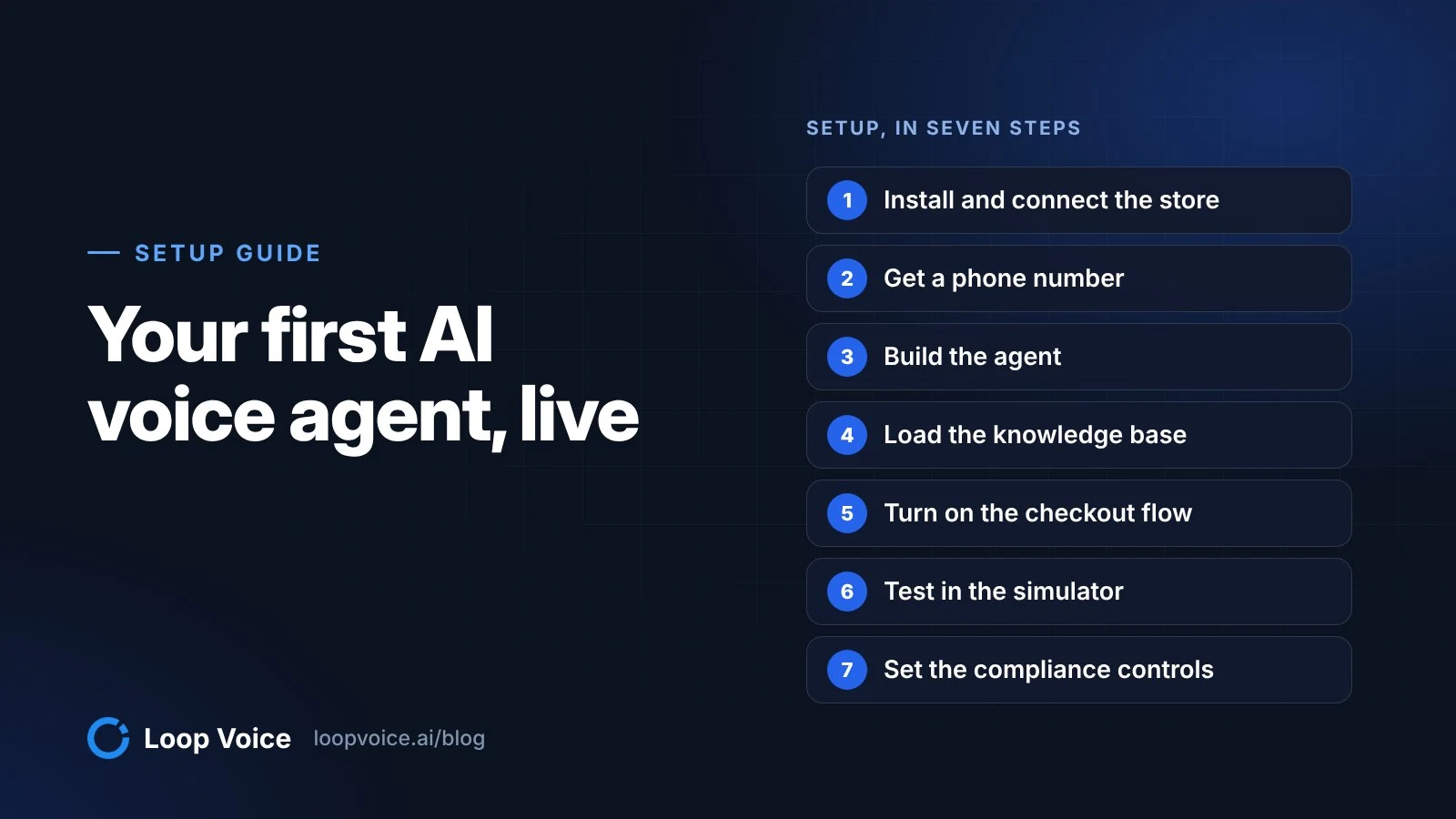
To compare named options side by side, see the best AI voice agents for Shopify. If you decide to try one, the setup walkthrough takes you from install to the first live call.
Frequently asked questions
Does an AI voice agent replace my support team?
No. It takes the repeatable calls, such as order status, returns inside policy and shipping questions, and covers the hours nobody is on the phone. People still handle refund exceptions, damaged orders, upset customers and anything your policies do not cover, and they get those calls with a summary attached instead of starting from scratch. Plan that handoff path before you write the agent's script.
Is an AI voice agent worth it for a small store?
It depends on order value and volume. Loop Voice says it works best for Shopify stores with an average order value of $50 or more, at least 100 abandoned carts a month and mostly US customers, and that results are lower for very low order values, international-only traffic or long consideration cycles. Below about 50 abandoned carts a month, it suggests focusing on traffic first.
Sources
- A Guide to Core Latency in AI Voice Agents (Cascaded Edition) (Twilio, 2025)
- What is speech recognition? (IBM, 2021)
- What are large language models (LLMs)? (IBM, 2021)
- What is text to speech? (IBM, 2026)
- Media Streams Overview (Twilio, 2026)
- Introduction (Vapi, 2026)
- About webhooks (Shopify.dev, 2026)
- abandonedCheckouts query, GraphQL Admin API (Shopify.dev, 2026)
- State of the Call 2026 (Hiya, 2026)
- Declaratory Ruling, FCC 24-17 (AI-generated voices under the TCPA) (Federal Communications Commission, 2024)
- Voice pricing: United States (Twilio, 2026)
Hear it before you decide
Listen to real recovery calls, or see Loop Voice call a test checkout on your own store.