




Abandoned Cart Call Script: A Template Built From Real Calls
A copyable six-step abandoned cart call script, objection answers taken from real recorded calls, one strict discount rule, and how to test it before shoppers hear it.

Six steps, one rule
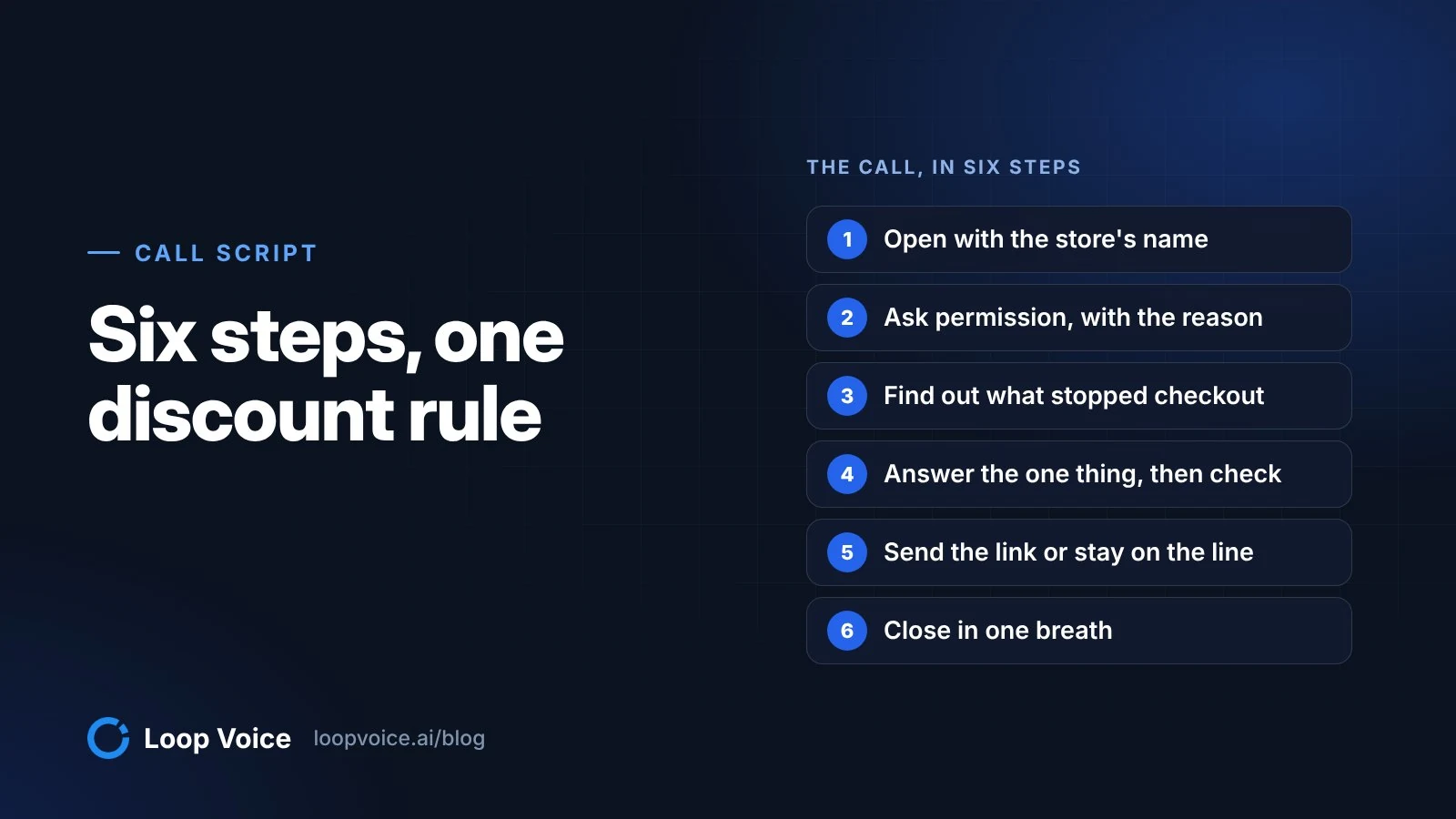
A recovery call script needs six steps: name the store, check it's a good time, find out what stopped checkout, answer that one thing, send the link, and close. The one rule: the discount stays out of the call until the shopper says price is the problem.
Extra costs are the most common fixable reason for abandonment (40% of shoppers who weren't just browsing, per the Baymard Institute), but slow delivery (20%), site errors (17%) and declined cards (10%) are common too, and a code fixes none of those. Paste the lines below into your agent's instructions and replace everything in [brackets]. Our call library has each step with real shoppers.
1. Open with the store's name
Say: "Hi, this is [agent name], an AI assistant calling from [Store]. Am I speaking with [first name]?"
Wrong person? Apologize and end the call without mentioning the order.
The store name comes first for two reasons. Hiya's State of the Call 2026 finds 86% of unknown calls go unanswered, so the few who pick up need to hear who is calling before they hang up. And artificial-voice calls must identify the business at the start (47 CFR 64.1200(b)(1)), which covers AI voices since the FCC confirmed they count as artificial voices. If a shopper asks whether it's a real person, the answer is always "No, I'm [Store]'s AI assistant."
2. Ask permission, with the reason
Say: "You started an order for [product] earlier and it didn't go through. I just wanted to see if I can help. Is now an okay time?"
- Busy: "No problem. Want me to text you a link back to your cart instead?" Send it only if they say yes, then end.
- "Don't call me again": "Understood. You won't get another call from us." End the call. The number goes on your do-not-contact list before any other step in the flow runs.
3. Find out what stopped checkout
Say: "Did something get in the way at checkout, or was there something you wanted to check first?"
Then let them talk. The answer sorts the call into one of four tracks: a checkout problem, a product question, a price concern or "just looking." Baymard found 42% of US shoppers have abandoned a cart because they were just browsing, so treat that answer as normal: "Totally fine. Want me to text you the link in case you come back to it?" (More in our abandonment statistics roundup.)
4. Answer the one thing, then check
Answer from your approved product, shipping and returns information in two or three sentences, then ask "Does that help?" For anything on screen, ask what the shopper sees instead of guessing. A line from a recovered Modern Hearing order: "Okay, go ahead and click pay now once, and then just tell me what happens on the screen. Does it spin, process, show an error, or bounce back to card entry?"
5. Send the link or stay on the line
Say: "Do you want me to text you a direct link back to your cart so you can finish faster?" (verbatim from a recovered gardening order), then "Want me to stay on the line while you check out or are you all set?"
Text the link only to the number on the checkout: Shopify warns that anyone who opens an abandoned checkout link can continue that checkout. Never take card numbers on the call. And don't rush: the eight recovered calls in our library with full-length timings ran from about 8 to 21 minutes, mostly because the agent stayed on while the shopper worked through each screen.
6. Close in one breath
Say: "You're all set. If anything looks off on the confirmation email, just reply to it and we'll sort it out."
If there's an obvious add-on, ask once. One dog-chew shopper was asked "Want you to add a chew holder too or are you good for today?" She said "I'm good," and the agent went straight to the confirmation.
Objections from real calls, and what worked
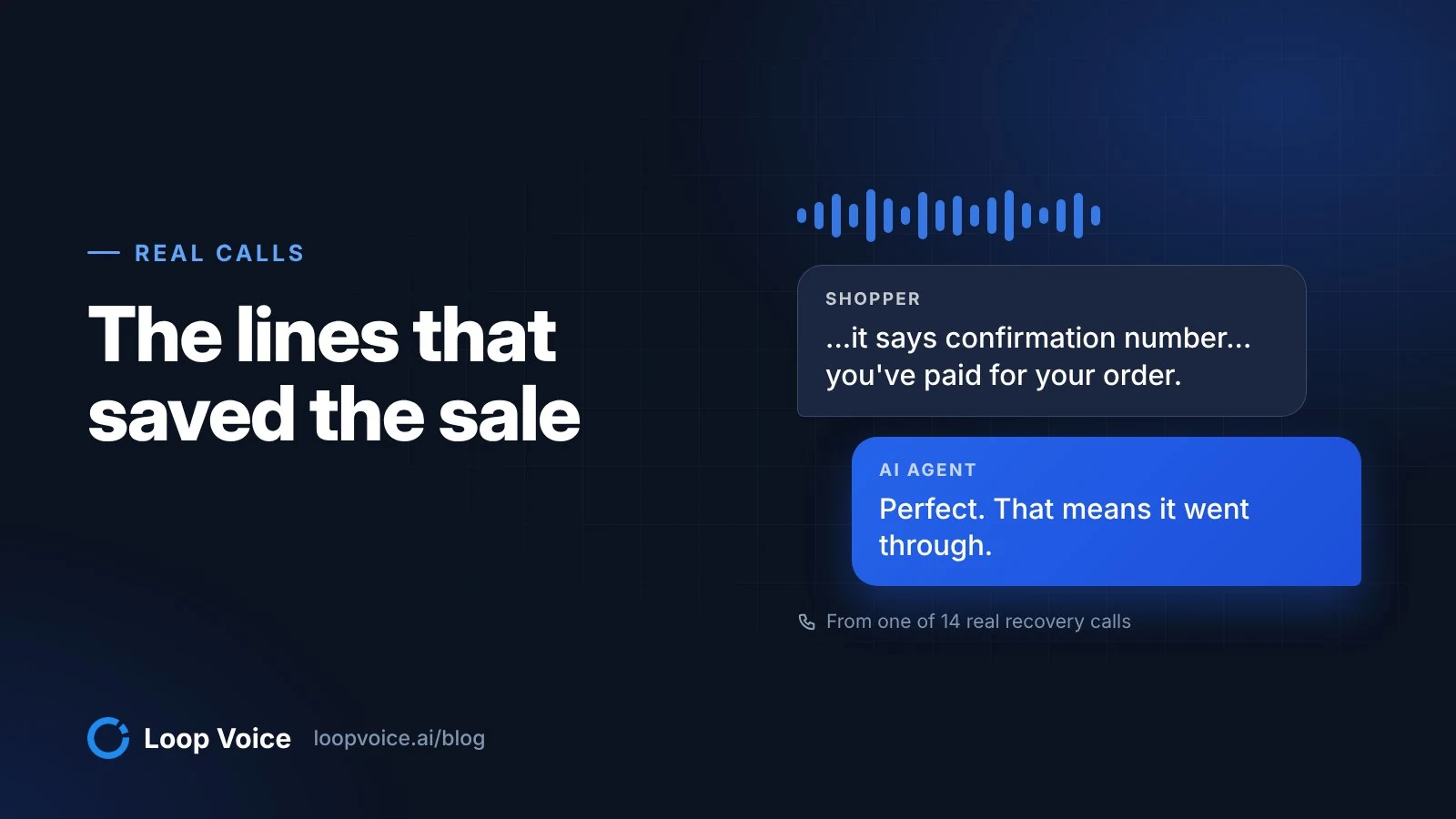
Every line below comes from a recorded recovery call (more in our real call teardowns). Most of the airtime went on checkout problems, not price.
| What happened | What the shopper said | What the agent did |
|---|---|---|
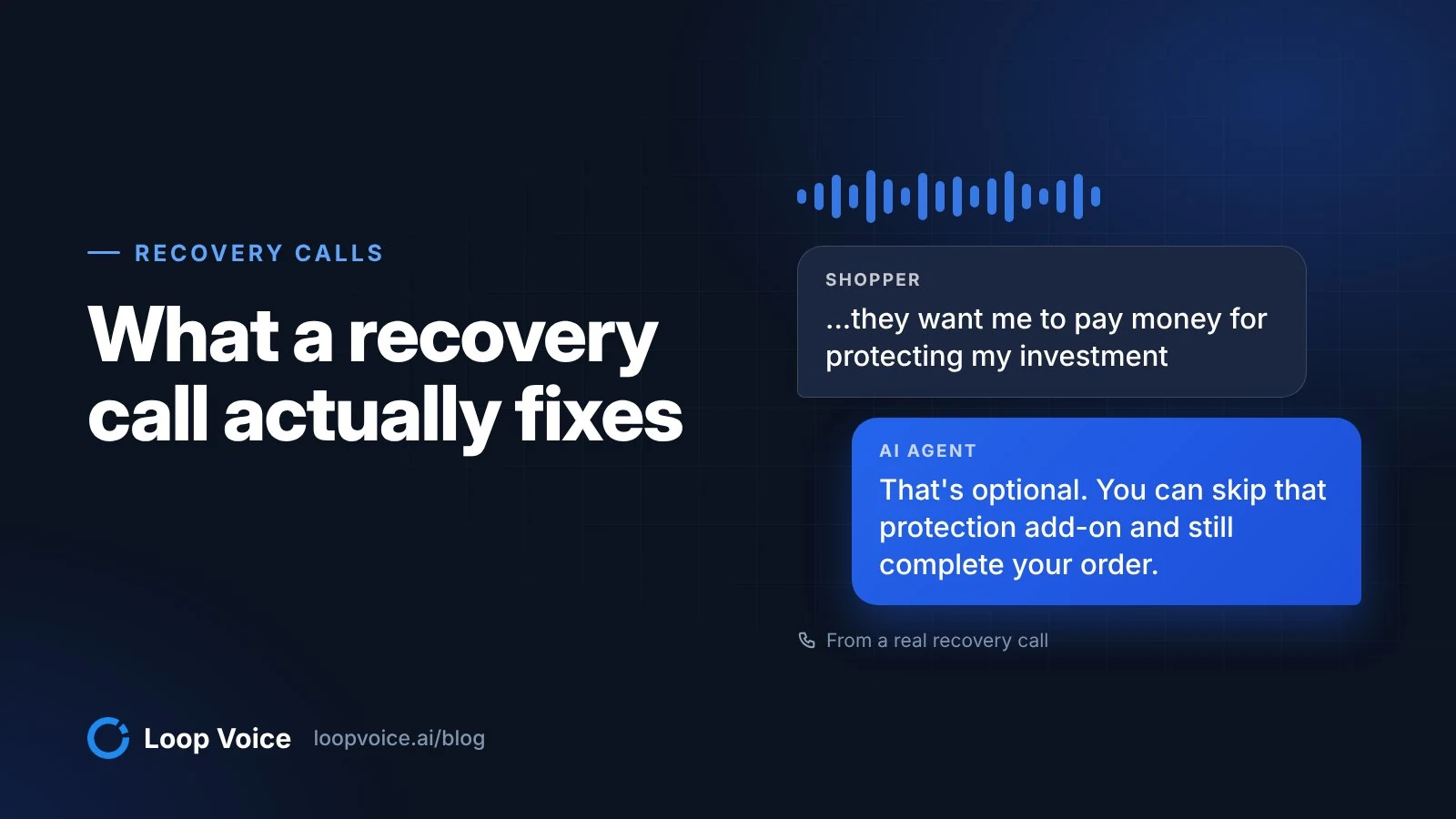
| A protection add-on looked mandatory (a protection plan at Modern Hearing, shipping protection at a dog-chew brand) | "...they want me to pay money for protecting my investment, but I'm not going to do that." | "You can skip that protection add-on and still complete your order," then named the button to press |
| Card declined (auto parts store, $448.16) | Wanted to retry the same card | Texted the secure link, suggested another card if it failed again, then: "Do you want me to quickly confirm on our side that it shows as paid and active?" |
| Shipping cost on a single plant (gardening store, $177) | Shipping was the reason she stopped | Price was the objection, so the code came out: "it'll take 10% off, which helps offset that shipping" |
| Site error (Modern Hearing) | The site would not load on two computers | Checked whether other sites loaded, had him re-add the item, then cleared two add-on screens: "If you don't want them, selecting no thanks is totally fine." |
| Product question (gardening store, $149) | Earlier plants had died | Asked one question about the soil, then: "sandy soil drains fast, so the fix is usually slower, deeper watering, and a mulch layer to hold moisture" |
| Confusing checkout branding (Modern Hearing) | "...you've got shop in blue letters... I didn't really quite understand what that was for." | "That shop in blue at the top is normal. It's basically the checkout system branding." |
| Billing address mismatch (Modern Hearing) | Payment failed after he entered a different billing address | "Go ahead and check that box so billing matches shipping, then try tapping place order again." |
To write your own rows, check why payments fail in your store: in Shopify, open Orders > Abandoned checkouts, click a checkout and expand the payment event in its Timeline. The Message field gives the reason, such as a declined card, a ZIP code that doesn't match the billing address or a failed 3-D Secure check (Shopify Help Center). Fixes on the site itself are in our guide to reducing abandoned carts.
No, they want me to pay money for protecting my investment, but I'm not going to do that.
Got it. That's optional. You can skip that protection add-on and still complete your order. On that screen, do you see a button or link that says no thanks, skip, or continue without protection?
Yes. I just pushed it. No. I'll risk paying for a replacement later.
Got it. You declined the protection. That's totally fine. What does the next screen say now? Do you see a thank you order confirmation page, or is it still asking for anything else?
The discount rule: price objections only
Give the agent one approved code and one trigger: the shopper says price or shipping cost is why they stopped. Not in the opener, not after "I'm busy," and never a bigger code when the first one doesn't land. In Loop Voice, the agent has its own dedicated code and offers it only when price is the objection, which also lets you count exactly how many recovered orders used it.
If it helps, we do have a code for 10% off your order. Loop 10. Could I give you that code to apply at checkout?
Sure.
It's 10% off your order. The code is loop 10. Let me spell that slowly. L as in Lima, O as in Oscar, O as in Oscar, P as in Papa, 1, 0. Again, loop 10. Could you read that back to me so I know I got it right?
10. L-O-O-P 10.
Perfect. That's it. Want me to text you the code as well so you can just copy and paste it?
No, that's fine. I can do it.
Copy three habits from that call: spell the code with the NATO phonetic alphabet ("L as in Lima, O as in Oscar"), ask for a read-back, and offer to text it. Then confirm it applied, as the agent did on a dog-chew order: "Paid total $57.60, and the discount of $5.29 did apply."
In Shopify, create the code with Limit to one per customer checked, decide under Combinations whether it may stack with a sale price, and set an end date if the offer is temporary. Then test whether it earns its cost: an A/B test such as "SAVE10 at first objection vs no offer," or a holdout test, shows whether the code adds orders or just gives away margin.
Guardrails and handoffs
| When the shopper... | The agent... |
|---|---|
| Says stop, don't call, or "take me off your list" | Confirms in one sentence and ends the call. The number goes on the do-not-contact list before any other step runs. |
| Asks "Is this a real person?" | Says it's the store's AI assistant. It never claims to be human. |
| Asks for a person | Says what happens next (a callback or an email from the team) and creates a ticket with the conversation attached |
| Wants a refund, return exception or price match | Promises nothing and records the request for the team |
| Asks a medical question, such as whether a product is safe after surgery | Gives no medical advice; points to the product's safety information and their doctor |
| Raises a legal question, a dispute or a chargeback | Doesn't argue or advise; hands off |
| Starts reading out card details | Stops them. The agent never takes payment details; it texts the checkout link. |
In Loop Voice most of these are settings rather than prompt text: guardrails such as stop on "human," respect refusals and clear identity as an AI when asked, plus escalation rules for negative sentiment, do-not-contact requests, complex refunds, and legal or medical questions. Escalations arrive as Loop Voice tickets, or in Zendesk, Redo or by SMS.
Who you may call at all is settled before the dialer, not in the script: see our guide to consent and calling hours, and the recovery calls playbook for which carts are worth a call.
Test it before a shopper hears it
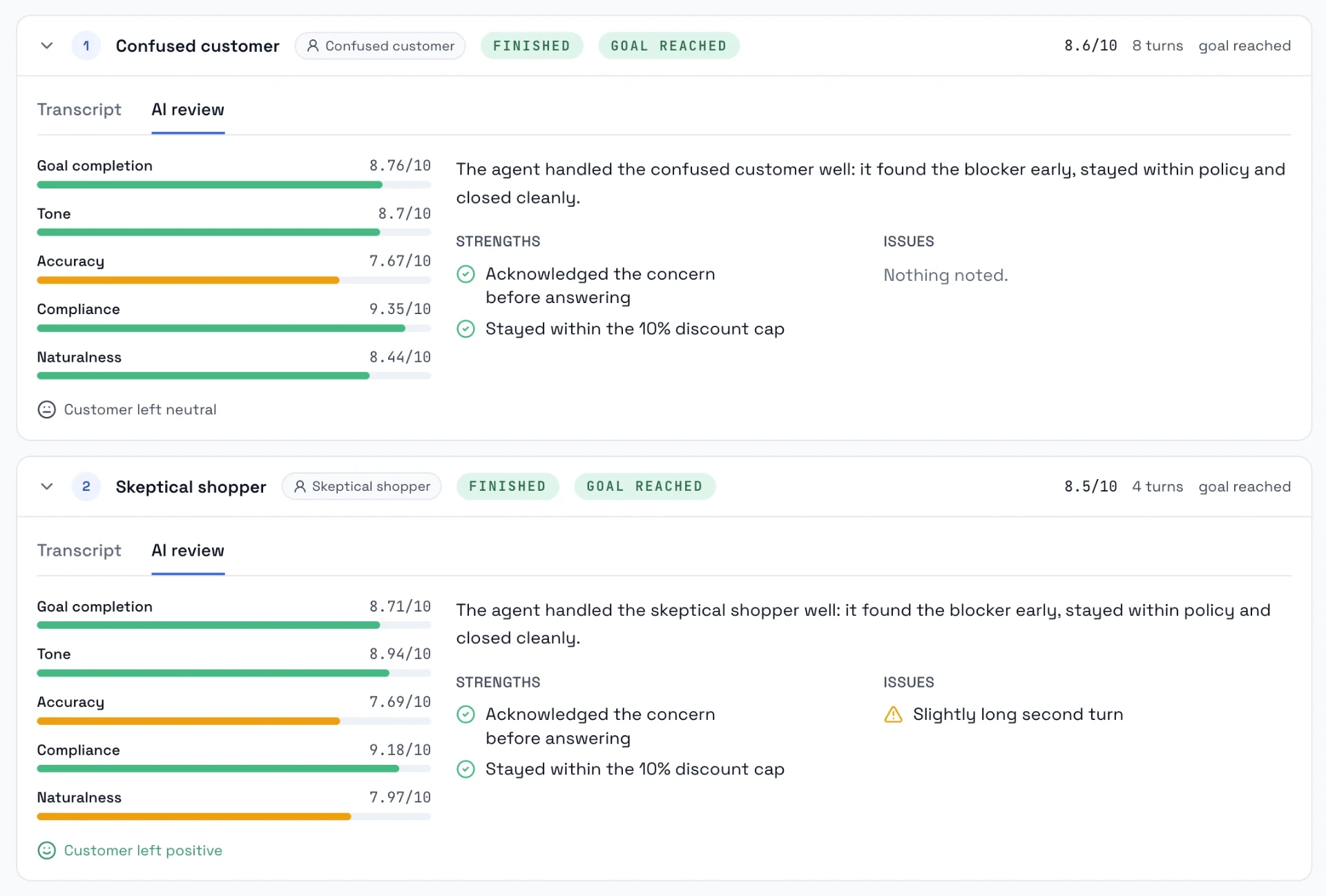
- Turn your objection table into test scenarios: "thinks the shipping protection is required," "card declined twice," "asks for 30% off," "asks if it's a robot," "says stop calling." Loop Voice's simulator adds six built-in personas, including a confused customer and someone suspicious of AI, runs up to ten conversations at once, dials nobody and uses no credits.
- Fail runs on the rules, not the tone. Fail any run where the code appears before a price objection, the agent invents a policy, or "stop" doesn't end the call.
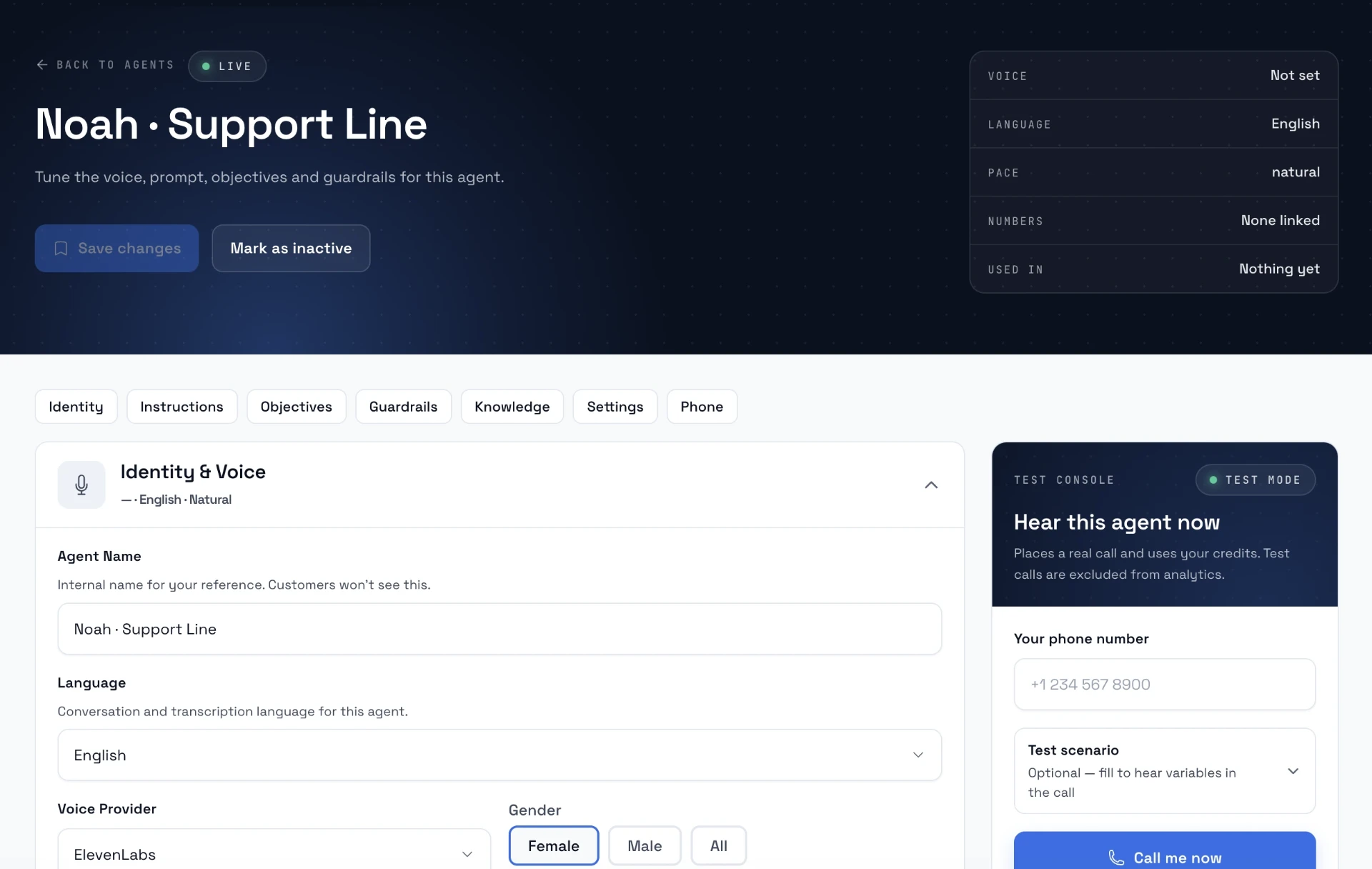
- Call yourself. The test console rings your own phone with the variables filled in, so you hear the pacing and how the code sounds spelled out.
- Test the link, not just the words. Place a test order through the checkout link the agent texts, with the code applied.
- Read transcripts weekly. Include the calls that didn't convert, and the knowledge base's answer gaps (questions callers asked that it couldn't answer). Recordings are kept for 7 days by default; retention can be extended to 90 days.
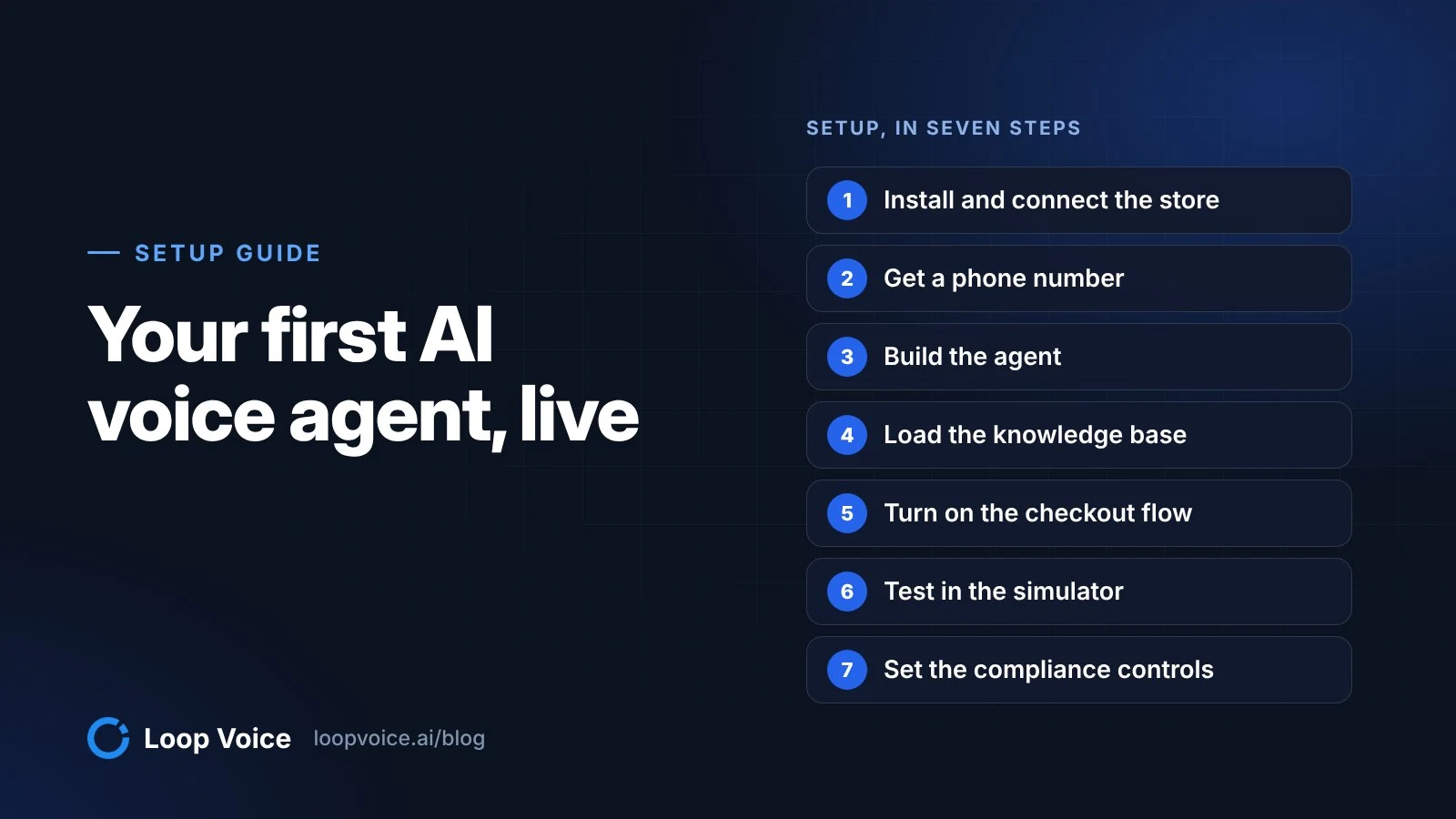
No store or number connected yet? Start with the setup guide.
Frequently asked questions
What if the shopper thinks they already placed the order?
Check before you sell. In one recorded call, a hearing aid buyer said he thought he had finished. The agent found no order under his number, asked whether a confirmation email or a pending charge had come through, and then walked him through checkout again. If an order does exist, confirm it and end the call. Flows should also stop automatically when the customer orders.
Should the script change for mobile shoppers?
Ask early whether they're on a phone or a computer, because the instructions differ. On a phone, the shopper may need to switch between the call and the browser, so offer to text the link and wait while they open it. Describe buttons by their label rather than their position on the screen, and ask what the screen says after every tap.
Sources
- Cart Abandonment Rate Statistics (Baymard Institute, 2025)
- State of the Call 2026 (Hiya, 2026)
- 47 CFR 64.1200, Delivery restrictions (Cornell Law School, Legal Information Institute, 2026)
- Declaratory Ruling FCC 24-17 on AI-generated voices (Federal Communications Commission, 2024)
- Recovering abandoned checkouts (Shopify Help Center, 2026)
- Amount off discounts (Shopify Help Center, 2026)
- Placing a test order (Shopify Help Center, 2026)
- NATO phonetic alphabet (NATO, 2026)
Hear it before you decide
Listen to real recovery calls, or see Loop Voice call a test checkout on your own store.