
Real Abandoned Cart Recovery Calls: What Actually Worked
Fourteen real AI recovery and support calls with transcripts. In 8 of the 11 cart calls, the shopper was stuck on the checkout itself, not unconvinced.

Key takeaways
- In 8 of 11 cart calls, the shopper was stuck on the checkout itself, not unconvinced.
- Optional protection add-ons caused three rescues; make "no thanks" easy to find.
- The best calls stayed on the line until the order was confirmed.
- These are highlights from successful calls; most dials end at voicemail or no answer.
What the 14 calls show
These are 14 real calls made by Loop Voice agents for ecommerce stores, each cut to the moment that decided it: 11 abandoned-checkout calls, 2 post-purchase calls and 1 inbound support call. The lesson is blunt: in 8 of the 11 cart calls the shopper had already decided to buy and was stuck on something in the checkout, and the agent won by getting them past it, not by persuading them.
These are highlights we picked from calls that went well. Most recovery dials never become a conversation: they ring out or reach voicemail, and Hiya's State of the Call 2026 reports that 86% of unknown calls go unanswered. This is a study of what works once someone picks up, not a hit rate.
Each highlight recording, with the call's full transcript, is in the Loop Voice call library. Stores are named only when they publish a case study with us; the rest are described by what they sell. Order numbers are left out.
The 14 calls at a glance
| Shopper | Situation | Store | Outcome | Full call |
|---|---|---|---|---|
| Melvin | Stuck at checkout | Modern Hearing (hearing aids) | Recovered a $249.99 order | 14:40 |
| Hodge | Stuck at checkout | Modern Hearing | Recovered a $225 order | 11:41 |
| Greg | Stuck at checkout | Modern Hearing | Recovered the order | 18:21 |
| Maria | Stuck at checkout | A dog-chew brand | Checkout completed with 10% off | 10:41 |
| Sofia | Declined card | An auto parts store | Recovered a $448.16 order | Not recorded |
| Franklin | Add-on confusion | Modern Hearing | Recovered a $249.99 order | 19:00 |
| Jay | Add-on confusion | Modern Hearing | Recovered a $249.99 order | 20:50 |
| Ruth | Add-on confusion | A dog-chew brand | Recovered the order | 7:35 |
| Barbara | Shipping cost | A gardening store | Recovered a $177 order | Not recorded |
| Lisa | Product question | A dog-chew brand | Placed a $57.60 order | 16:20 |
| Michael | Product question | A gardening store | Recovered a $149 order | Not recorded |
| Leon | Post-purchase | A dog-chew brand | Replacement arranged, 10% off his next order | 5:02 |
| Holly | Post-purchase | A dog-chew brand | Subscription confirmed, 10% off a future order | 3:35 |
| A caller | Inbound support | A health device brand | Safety and product questions answered, 10% code texted | Not recorded |
The eight calls with a dollar outcome add up to $1,806.73 in attributed orders. "Full call" is the whole conversation, not the clip.
Stuck at checkout: Melvin, Hodge, Greg and Maria
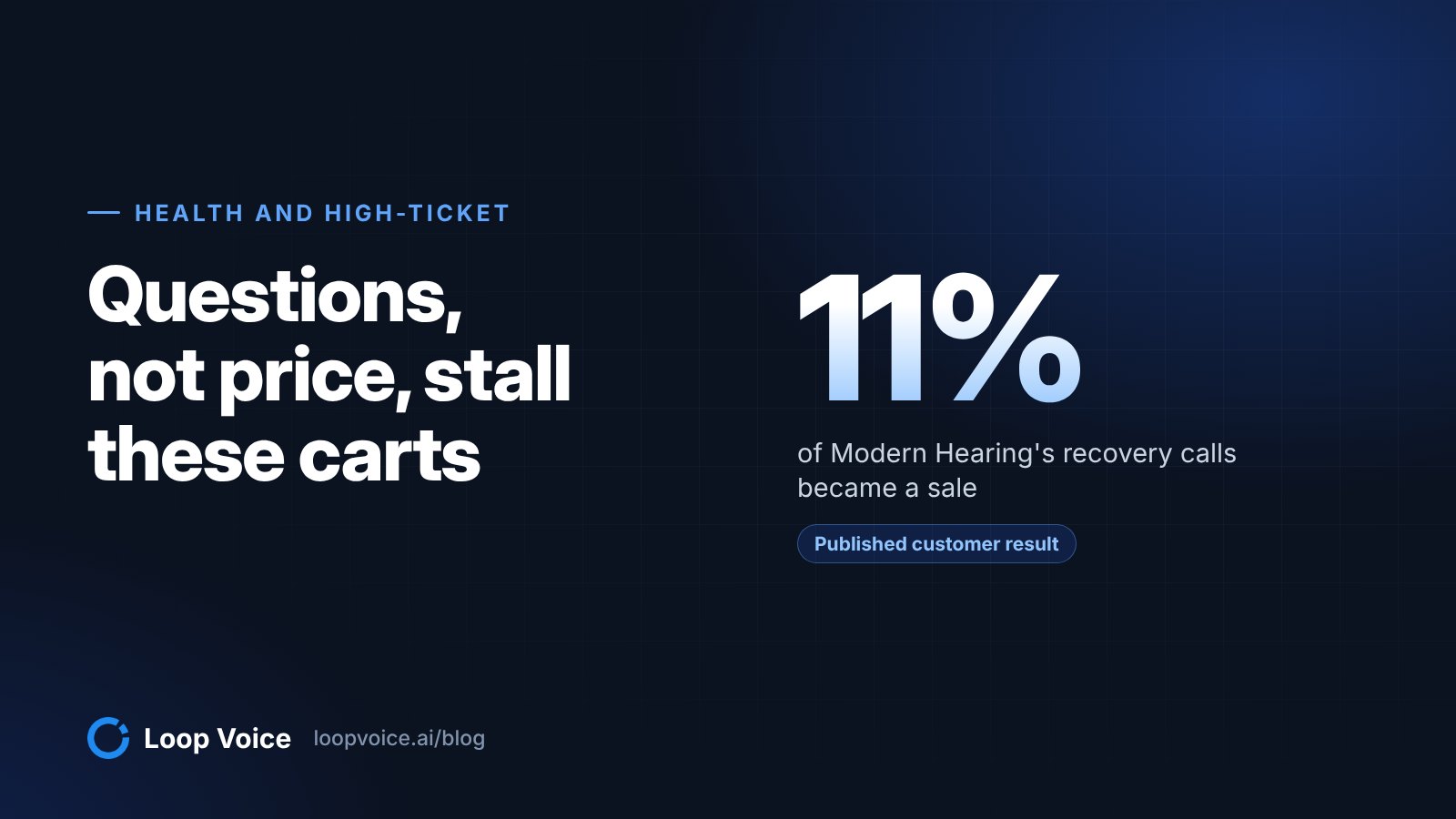
Four shoppers had already chosen what to buy. What stopped them was the checkout itself: a card form that kept resetting, an order the shopper thought had gone through, a billing address, a discount field. Three of them were buying hearing aids from Modern Hearing, which has recovered $300,000+ with 11% of calls becoming a sale; our guide to calls for high-ticket health products explains why that category suits calls.
Melvin, Modern Hearing, recovered a $249.99 order. Melvin's payment page kept sending him back to card entry. Mid-call he asked about "shop in blue letters" at the top: "I didn't really quite understand what that was for." On a Shopify checkout that logo usually belongs to Shop Pay, Shopify's accelerated checkout. The agent settled it in one line ("That shop in blue at the top is normal. It's basically the checkout system branding.") and moved him on: "Okay, go ahead and click pay now once, and then just tell me what happens on the screen. Does it spin, process, show an error, or bounce back to card entry?"
At the very top of the page, you've got shop in blue letters. Got it. I didn't really quite understand what that was for.
Got it. That shop in blue at the top is normal. It's basically the checkout system branding. Right now, when you click pay now, does it take you back to the same credit card screen again, or has it not done it yet this time?
All right, I'm gonna click on it for the first time.
Okay, go ahead and click pay now once, and then just tell me what happens on the screen. Does it spin, process, show an error, or bounce back to card entry?
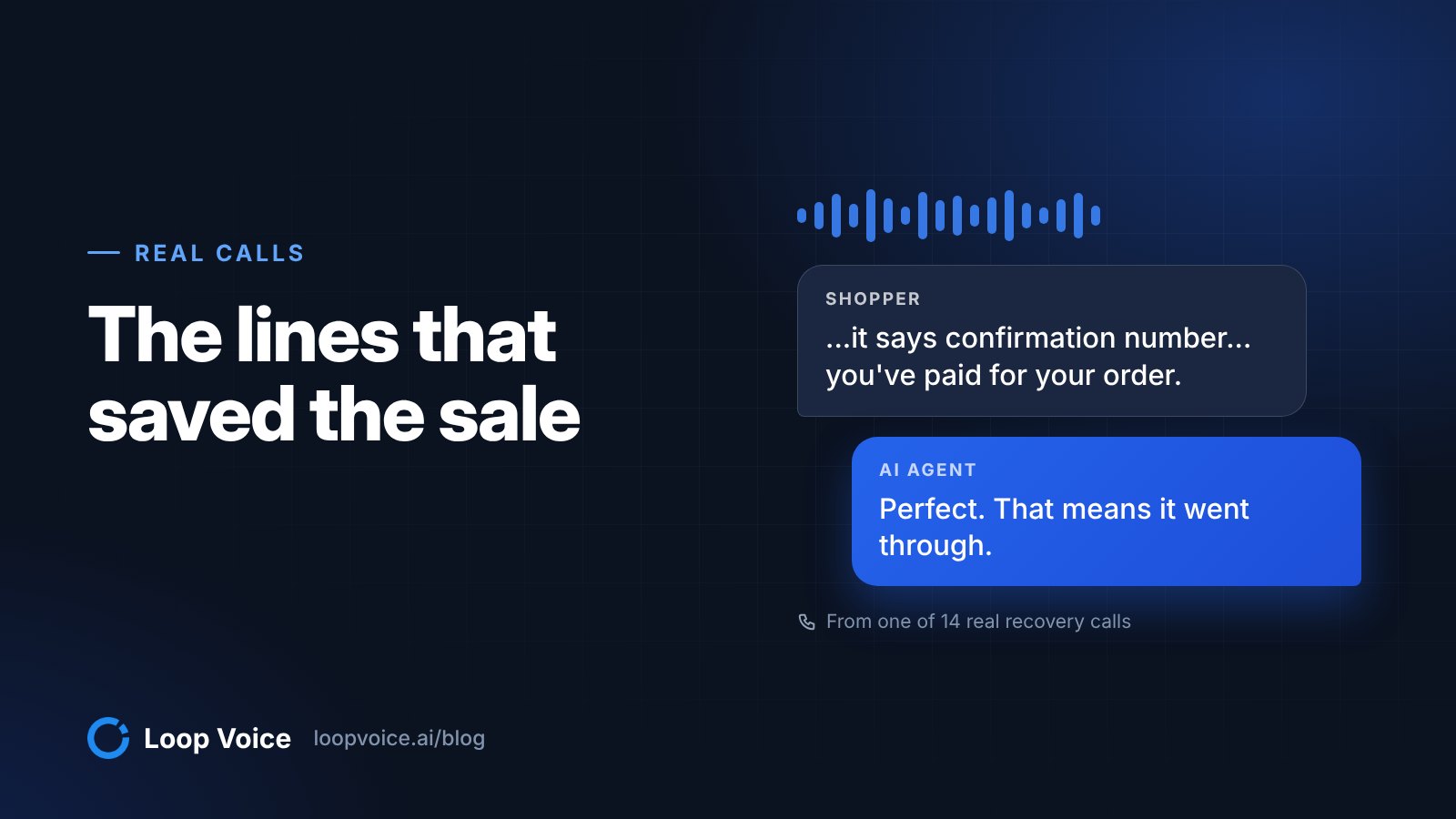
Uh, it says confirmation number such as that you've paid for your order. View order confirmation.
Perfect. That means it went through. What order number do you see on that confirmation page?
What worked: naming the unfamiliar thing as normal, asking for one action, and offering four possible answers so a nervous shopper could report exactly what happened. Lesson: after every step, ask what the screen says and name the likely answers.
Hodge, Modern Hearing, recovered a $225 order. Hodge thought he had already ordered. The agent found no completed order under his number and walked him back to his cart, down to finding the browser on his Android phone. At the payment step: "Go ahead and enter the card number, expiration, and security code, then tap place order. Just let me know what the screen says after you submit, whether it confirms the order or shows an error." Then: "No rush. What does it say now?" Hodge read it back: "Confirmation order. You paid for your order."
What worked: the agent never asked for the card number; it told him which fields to fill on his own screen and waited. Lesson: some abandoned checkouts belong to shoppers who believe they already paid, so check for an order before you pitch, and never take card details over the phone.
Greg, Modern Hearing, recovered the order. Greg had tried three times and said he could not get anyone to talk to. His billing address differed from his shipping address, and that was the snag.
Yep. That's the one. Go ahead and check that box so billing matches shipping, then try tapping place order again. What happens when you do that?
Okay. I'll see you in a minute. Okay. It finally took Just confirm.
Perfect. Sounds like it went through. Do you see an order confirmation page with an order number, or did you get a confirmation email or text?
I got I got eight order summary on that.
Got it. Does it show an order number on that summary? If it's easier, you can just read the last four digits.
What worked: the agent asked about the billing address, which card issuers weigh along with the expiration date and CVC when they decide whether to approve a charge (Stripe's guide to declines). After "It finally took", it asked for the order number, then texted him the order status page. Lesson: when a card fails after it is entered, check the billing address first, then send the confirmation link so the shopper does not call back worried.
Maria, a dog-chew brand, completed checkout with 10% off. The agent told her to type the code, and she checked: "Was it L-U-P 10?" The agent caught it: "Close. It's L-O-O-P 10. L as in Lima, O as in Oscar, O as in Oscar, P as in Papa, 1, 0. Want me to wait while you enter it?" She answered: "No, that worked."
Are you on the checkout page now?
Now I am, yes.
Great. On the checkout page, do you see a spot that says discount code or gift card?
Yes.
Perfect. Go ahead and type loop 10 there and hit apply. Did it accept it?
Was it L-U-P 10?
Close. It's L-O-O-P 10. L as in Lima, O as in Oscar, O as in Oscar, P as in Papa, 1, 0. Want me to wait while you enter it?
No, that worked.
Awesome. Are you all set to place the order now?
Yeah.
Perfect. Go ahead and hit complete order. Want you to add a chew holder too or are you good for today?
I'm good.
Got it. Once you place it, you'll get an e-mail confirmation right away. Anything else you want to make sure of before you submit?
That's it. Thank you for your help.
You're welcome, Maria. If anything looks off on the confirmation e-mail, just reply back and we'll help you sort it out. Have a good day.
Thank you. You too.
What worked: spelling with the NATO phonetic alphabet removed the guesswork. The agent then made one small offer ("Want you to add a chew holder too or are you good for today?"), heard "I'm good" and dropped it. Lesson: spell codes letter by letter and listen to the read-back; a misheard code fails at the last field.
A declined card: Sofia
Sofia, an auto parts store, recovered a $448.16 order. Sofia's first order had been canceled after her card was declined. The agent texted her the order status link, where "buy again" rebuilt the cart, and she retried the same card with the agent on the line.
It says it's processing, and the confirmation code is [confirmation code redacted].
Got it. Confirmation code [confirmation code redacted]. Does the page then change to order confirmed? Thank you. Or is it still stuck on process
It says that order was confirmed.
thing.
Perfect. Then you're all set, and it went through. Do you want me to quickly confirm on our side that it shows as paid and active?
What worked: the agent did not treat "processing" as done. It waited for "order was confirmed", then offered to confirm on the store's side "that it shows as paid and active." Earlier it had told her that if the card declined again, a different card or PayPal usually fixes it.
Lesson: call declined-card checkouts early. This shopper wanted to pay, and Shopify's built-in recovery email skips checkouts where a payment processing error occurred (per the Shopify Help Center page on its legacy abandoned checkout emails), so without a call she might hear nothing from the store. The same help page shows where to find the failure reason: open the checkout under Orders > Abandoned checkouts and read the payment event in its Timeline before you dial. Card declines are not rare either: in Baymard Institute's survey of US online shoppers, 10% of those who were not just browsing left because the card was declined.
Add-ons the shopper thought were required: Franklin, Jay and Ruth
Three of the eleven cart calls turned on an optional add-on: a protection plan, a "six-month backup" and shipping protection. Each one stalled the checkout until the agent said it was optional.
Franklin, Modern Hearing, recovered a $249.99 order. Franklin had already fought a cart with the wrong quantity, a discount box and an installments option. When he asked the agent to place the order for him, it explained it could not enter his card details and stayed with him instead. The last hurdle was a protection plan.
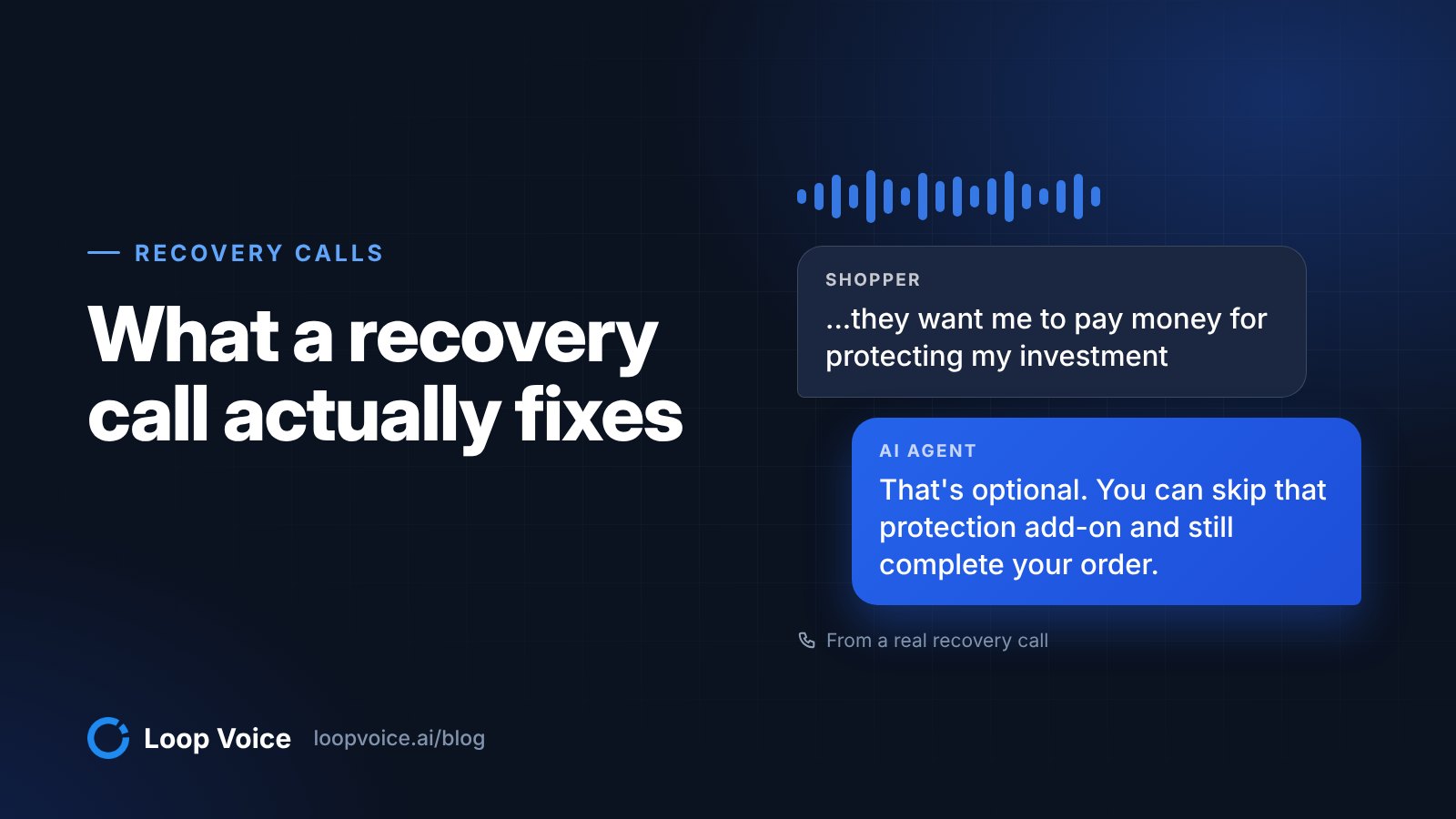
No, they want me to pay money for protecting my investment, but I'm not going to do that.
Got it. That's optional. You can skip that protection add-on and still complete your order. On that screen, do you see a button or link that says no thanks, skip, or continue without protection?
Yes. I just pushed it. No. I'll risk paying for a replacement later.
Got it. You declined the protection. That's totally fine. What does the next screen say now? Do you see a thank you order confirmation page, or is it still asking for anything else?
Your order is confirmed. It's still trying to add something on. I don't want that, so I told them I didn't want it.
What worked: the agent took his side instead of defending the add-on, and named the labels the skip button might carry. Lesson: never defend an add-on the shopper resents; help them decline it.
Jay, Modern Hearing, recovered a $249.99 order. Jay's browser said the site could not be reached, on two computers. The agent stayed while he got the site up and rebuilt his cart, and the call ran 20 minutes 50 seconds. The highlight is the last hurdle: "If you're seeing six-month backup or other options, those are just optional add-ons. If you don't want them, selecting no thanks is totally fine. After you hit no thanks, does it bring you back to a page with complete purchase again, or is it showing something else?" Then: "Okay. Now it says your order is confirmed."
What worked: patience, and the same two-part move as Franklin's call: call it optional, then ask what the next screen shows. Lesson: let long calls run. A shopper who stays 20 minutes to finish a purchase has decided to buy; the caller's job is to outlast the technical problem.
Ruth, a dog-chew brand, recovered the order. Ruth had come back from Amazon. Earlier in the call she had changed a subscription and removed an item on her iPad with the agent's help; then came one more question.
Now do you have to have the shipping protection? Yes.
Let me find out for you. One sec.
You don't have to add shipping protection to place the order. On the cart checkout page, do you see a little checkbox or toggle next to shipping protection that you can turn off?
Okay. I just turned it off.
Perfect. Are you ready to hit pay now and place it?
What worked: the agent checked before answering instead of guessing, then pointed to the exact control on her screen. Lesson for the store, not the caller: look at your own checkout. In the same Baymard survey, extra costs were the top reason, cited by 40% of shoppers who were not just browsing, and a protection fee that looks mandatory is an extra cost. Make "no thanks" as easy to find as "add".
Shipping cost: Barbara
Barbara, a gardening store, recovered a $177 order. Barbara wanted a fruit plant and paused at a shipping charge she remembered as about $12, so the agent offered a code against it.
If it helps, we do have a code for 10% off your order. Loop 10. Could I give you that code to apply at checkout?
Sure.
It's 10% off your order. The code is loop 10. Let me spell that slowly. L as in Lima, O as in Oscar, O as in Oscar, P as in Papa, 1, 0. Again, loop 10. Could you read that back to me so I know I got it right?
10. L-O-O-P 10.
Perfect. That's it. Want me to text you the code as well so you can just copy and paste it?
No, that's fine. I can do it.
What worked: the agent offered the code as a question, spelled it, asked for a read-back, offered to text it, and tied it to her concern: "...it'll take 10% off, which helps offset that shipping." Lesson: use the discount to answer a specific price objection, and size it to that objection. A 10% code against a shipping fee closes the gap without training every shopper to wait for one.
Product questions: Lisa and Michael
Lisa, a dog-chew brand, placed a $57.60 order. On the final screen Lisa worried she was signing up for a subscription: "I don't see, I don't see where it has to be a monthly thing." The agent answered in plain words, "Perfect. Then you're on a one-time purchase," and asked: "Are you ready to tap place order on that screen?" After she placed it, the agent checked the order on the store's side and confirmed "the discount of $5.29 did apply." Then one suggestion, tied to her two dogs: "...like adding a second 4-pack so you've got one each per week?" She passed: "No, I think I'm good right now, but golly, thank you for all your help."
What worked: it removed the subscription worry in one sentence, verified the discount instead of assuming it, and accepted the "no" on the add-on at once. Lesson: fear of an accidental subscription stops checkouts; say "one-time purchase" out loud, and confirm totals after the order.
Michael, a gardening store, recovered a $149 order. Michael's last plants had died, and the total price gave him pause; the agent had already offered a 10% code. What he still wanted was advice.
If you tell me whether your soil is more clay heavy or more sandy, I can give you the simplest tweak for your spot. Which is it?
Sandy loam.
Okay, sandy soil drains fast, so the fix is usually slower, deeper watering, and a mulch layer to hold moisture. If you do those two things right after planting, it makes a huge difference. Want to go ahead and place the order for the four plants with the loop 10 code?
I'll do that online.
Perfect. Use the code loop10 at checkout for 10% off. Do you want me to text you a direct link back to your cart so you can finish faster?
Sure.
One sec, texting that over to you. Cool, you should have that cart link now. Want me to stay on the line while you check out or are you all set?
I'm all set.
What worked: a specific answer for his soil, then no pressure when he said "I'll do that online": the agent texted a link back to his cart instead. Lesson: not every save happens on the phone. When a shopper wants to finish alone, send the cart link and let them go.
After the order: Leon and Holly
Leon, a dog-chew brand, got a replacement and 10% off his next order. This post-purchase call found a problem instead of a sale: a wrong order. The agent arranged a replacement and recorded the preference: "Anything else you want to make sure is blueberry only on your next order?" Leon: "Um, yes, that's the one she likes the best." The agent: "I'll let support know it's a blueberry only replacement to the same address and you're all set." Leon: "Perfect, thank you so much for all your help."
What worked: fix first, offer second; the 10% code came after the replacement was sorted. Lesson: a post-purchase call that surfaces a problem is worth more as a save than as an upsell. Our post-purchase call guide covers when to sell and when to listen.
Holly, a dog-chew brand, confirmed her subscription. The agent asked one open question about the product: "Anything you want your next coconut yak chew shipment to be better at, longer lasting, a different size, or are they perfect as is?" Holly: "Perfect as is. I have shih tzus." The agent asked how old the dogs were, then closed: "Then I'll get out of your hair. If you ever do need a backup, we've got a 10% off code for a future order."
Perfect. Then you're all set. If anything ever looks off with the next shipment, quantity, timing, or flavor, just call us and we'll fix it fast. Anything you want your next coconut yak chew shipment to be better at, longer lasting, a different size, or are they perfect as is?
Perfect as is. I have shih tzus.
Love it. Shih tzus are usually perfect for yak chews at that pace. About how old are yours?
One year and two and a half. A little over one year. Yeah it's the right size. It's not too big and it's not too little.
Awesome. That's exactly what we want. If everything's perfect, everything's good to go.
Perfect. Then I'll get out of your hair. If you ever do need a backup, we've got a 10% off code for a future order. Loop 10. L as in Lima, O as in Oscar, O as in Oscar, P as in Papa, 1, 0. Can you repeat that back to me just so I know it came through clearly?
Loop 10.
Perfect. Loop 10.
Thank you. Nice of you. Thank you.
Of course, Holly. Have a great day and give those shih tzus a little scratch for me.
What worked: genuine interest in her answer, then a quick exit. The full call lasted 3 minutes 35 seconds. Lesson: a check-in that finds nothing wrong should be short and leave a reason to come back.
Inbound support: a safety question before buying
A caller to a health device brand got answers and a 10% code by text. Nine months after knee surgery, the caller wanted to know whether a rolling pressure device was safe to use. The agent refused to make a medical call: "If you haven't been cleared yet, I don't want to steer you into using strong pressure around a postsurgical knee on your own." It pointed to the store's own guidance: "Our safety guidance specifically calls out recent surgery as a don't use category without medical sign off. And I can't override that on a call."
The caller's reply: "I do know I'm talking to an AI assistant... this has been very informative... I'll take your recommendation. I will speak to my PTs." The verdict at the end: "it was a home run."
What worked: a hard limit on medical advice, the store's written safety guidance, and an honest answer that sent the caller back to their physical therapist and surgeon. Lesson: an inbound agent needs rules for what it will not decide: medical, legal and safety questions get the published policy and a referral, never a judgment call. Our guide to AI phone agents for store support covers setting those limits.
Patterns across the 14 calls
- Most saves were mechanics, not persuasion. In 8 of the 11 cart calls the problem was in the checkout itself: an add-on, a card form, a billing address, a code field, a declined card. Baymard finds that 17% of shoppers who were not just browsing abandoned over a too long or complicated checkout, and another 17% over site errors or crashes. Fix those before you pay anyone to talk shoppers through them: reduce abandonment first, then recover.
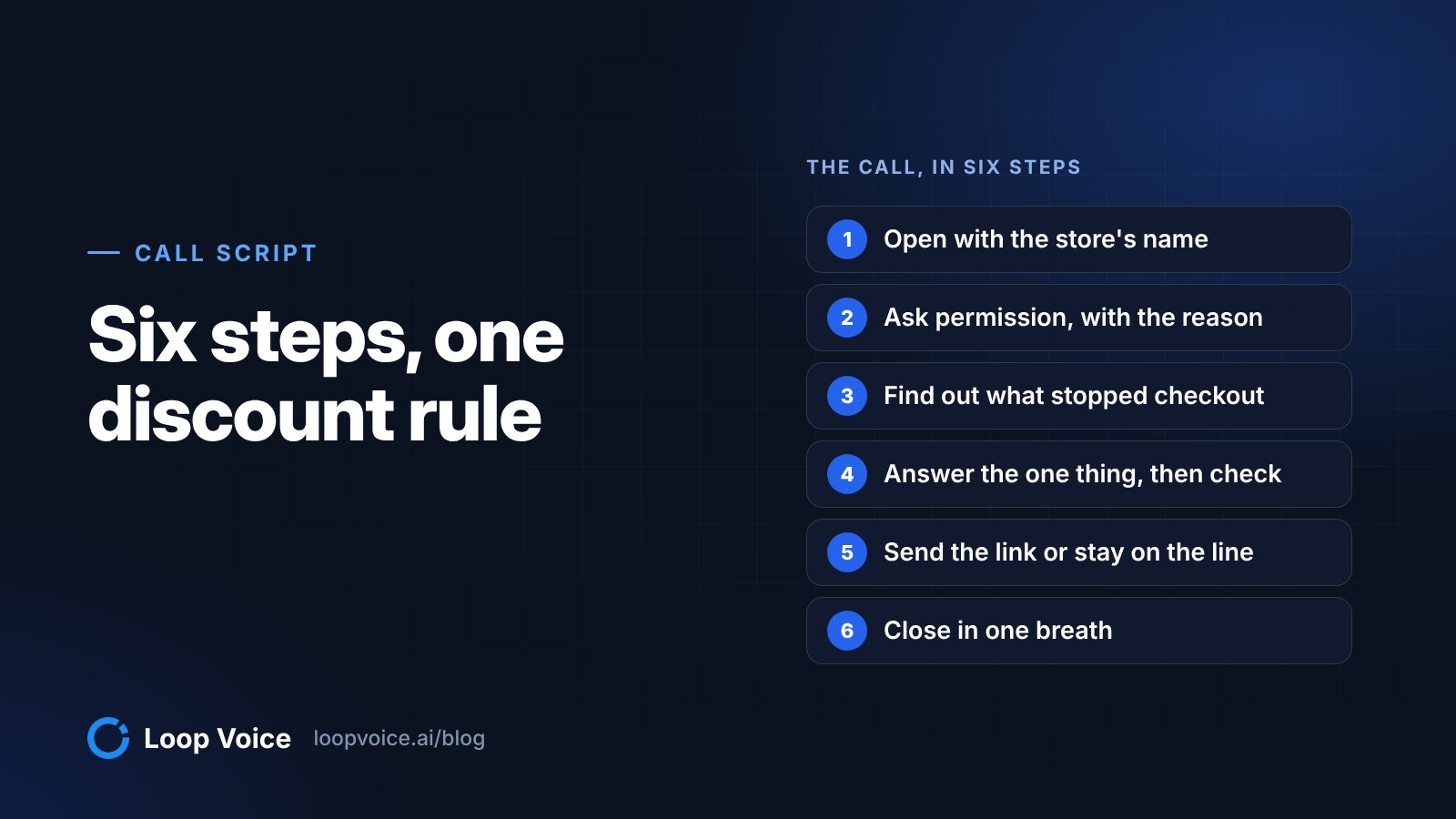
- One instruction, then "just let me know what the screen says" Every checkout rescue ran the same loop: one action, then one question about the screen, often with the likely answers named.
- Optional add-ons created three of these rescues. Franklin, Jay and Ruth each stopped at a protection or backup product until the agent said it was optional. That is a checkout design problem a call can only patch.
- The discount was fixed, and never improvised. A code came up in 8 of the 11 cart calls, sometimes because the shopper asked. When Michael said 10% might not be enough, the agent said it could not go beyond that code and offered help keeping his plants alive instead; when the inbound caller asked about a senior discount, it said the 10% code was the only one it could offer. Six calls spelled the code with the phonetic alphabet and asked the shopper to confirm it.
- No goodbye before the confirmation. In seven calls the agent stayed until the order was confirmed, by the shopper reading the screen aloud, by the agent checking the order on the store's side, or both.
- Checkout rescues take time. Six of the eight cart calls with a known length ran past 11 minutes; Jay's ran 20 minutes 50 seconds. Do not cap call length on recovery calls.
- Links travel by text, on request. Michael got his cart link and Greg his order status page by text; Lisa turned down a texted status link and Barbara a texted code, and the agent moved on both times.
- One light upsell, then accept the answer. Lisa and Maria each turned down an add-on near the end of the call, and the agent dropped it in the same breath.
- Honesty did not cost the call. The inbound caller said they knew they were talking to an AI assistant and still called it a home run. Loop Voice agents name the store at the start and never claim to be human.
To turn these patterns into a call flow, start from our abandoned cart call script template.
What these highlights do not show
They do not show the calls that failed: hang-ups, "not interested", wrong numbers and opt-outs happen in every recovery program, and none are here. They also hide the volume problem: with 86% of unknown calls going unanswered, most dials end at voicemail or no answer before any technique matters.
They do not prove the calls caused the orders, either: some of these shoppers might have finished on their own. Measure the lift with a holdout test before you scale, and use our recovery call playbook to decide which carts are worth a call and when calls backfire.
What they do show is the shape of a good recovery call once someone answers. Listen to the recordings and read the full transcripts in the call library before you write your own script.
Frequently asked questions
Where can I hear calls that went badly?
Not in the public library, which holds highlights from successful calls. In your own Loop Voice account, the calls log keeps each call's transcript and outcome, and the recording for a limited time, and Insights shows who answered (a person, voicemail, no answer or a call screener) and why calls failed. That is where the misses, and the fixes, show up.
Why do some transcript lines read oddly?
The transcripts are verbatim from real phone audio, including false starts, repeated words and mishearings, so a line like "I got I got eight order summary on that" stays as it was said. We trimmed some lines and removed order numbers and store names, but we did not rewrite what anyone said.
Sources
- State of the Call 2026 (Hiya, 2026)
- Cart Abandonment Rate Statistics (Baymard Institute, 2025)
- Recovering abandoned checkouts (Shopify Help Center, 2026)
- Shop Pay accelerated checkout (Shopify Help Center, 2026)
- Declines (Stripe, 2026)
- The NATO Phonetic Alphabet (NATO, 2026)
- Loop Voice call library (Loop Voice, 2026)
- Modern Hearing case study (Loop Voice, 2026)
Hear it before you decide
Listen to real recovery calls, or see Loop Voice call a test checkout on your own store.