20 Claude and ChatGPT Prompts to Analyze Your Store's Customer Calls
Twenty prompts that turn your store's call transcripts into answers, grouped by job, each with the Loop Voice MCP tool most likely to answer it and what a good answer contains.

Key takeaways
- Name the date range, flow and denominator in every prompt, and ask how many calls the answer rests on.
- Each prompt names the Loop Voice MCP tool most likely to answer it; questions about campaigns, settings or the knowledge base need the live connection.
- A CSV export works for call questions once you delete phone numbers, emails and names and check your assistant's training setting.
Connect once, then ask narrow questions
To analyze call transcripts with Claude or ChatGPT, connect the assistant to your calls and ask narrow questions that name a date range, a flow and the output you want. The 20 prompts below run against Loop Voice's MCP server, and each names the tool most likely to answer it and what a good answer must contain, so you can tell an answer from a confident guess.
Add the LoopVoice connector in Claude or ChatGPT with the server URL from our MCP setup page, then sign in with your Loop Voice account. All 13 tools are read-only: the assistant can read results, calls and settings but can't place a call or edit an agent. The assistant picks which tools to call, so treat the tool under each prompt as a pointer, not a promise of what it returns. For Shopify's connector and Klaviyo's server, see MCP servers for ecommerce.
Hold every answer to four rules, in the prompt or in your assistant's custom instructions:
- Name the denominator. A rate means nothing until you know whether it divides by shoppers called or by calls placed.
- Count what was read. Ask how many calls an answer rests on; a summary of a sample should say so.
- Quote before summarizing. Ask for the transcript line and call ID behind each claim.
- Keep revenue labeled attributed. Loop Voice credits orders that followed a call or text inside your attribution window, which isn't proof the call caused them (AI voice agent KPIs explains why).
Weekly results (prompts 1 to 3)
1. "How did Loop Voice do last week against the week before, by flow? Give attributed revenue, orders, pickup and conversion, and say what each rate divides by."
Likely tool: get_performance. A good answer puts both weeks side by side per flow and says whether a change came from more shoppers entering the flow or from a better rate.
2. "List every flow with its status and attributed revenue for this month. Put paused flows, drafts and flows with no calls at the top."
Likely tool: get_automations. Look for a table with the problems first: a flow that stopped calling needs fixing before any live flow needs tuning.
3. "What is Loop IQ suggesting this week? Name the setting it would change and the calls or numbers behind the suggestion."
Likely tool: get_recommendations. It should quote the suggestion, name the setting and show the evidence. If it says a setting has already changed, check that setting in Loop Voice before you act on it.
Objections and lost sales (prompts 4 to 6)
4. "From abandoned-checkout calls in the last 30 days that didn't end in an order, group the reasons shoppers gave. Count the calls for each reason and quote one line per reason, with its call ID."
Likely tools: search_calls, then get_call. Expect reasons in the shoppers' words, a count and a quote for each, and the number of calls read. For comparison, in Loop Voice's September 2026 benchmark, 33.4% of the 824 abandoned-checkout conversations that gave a reason were just browsing and 25.6% were waiting for a discount or checking the price.
5. "Find calls where the shopper raised shipping cost or delivery time. What did the agent say next, and did it say the same thing every time?"
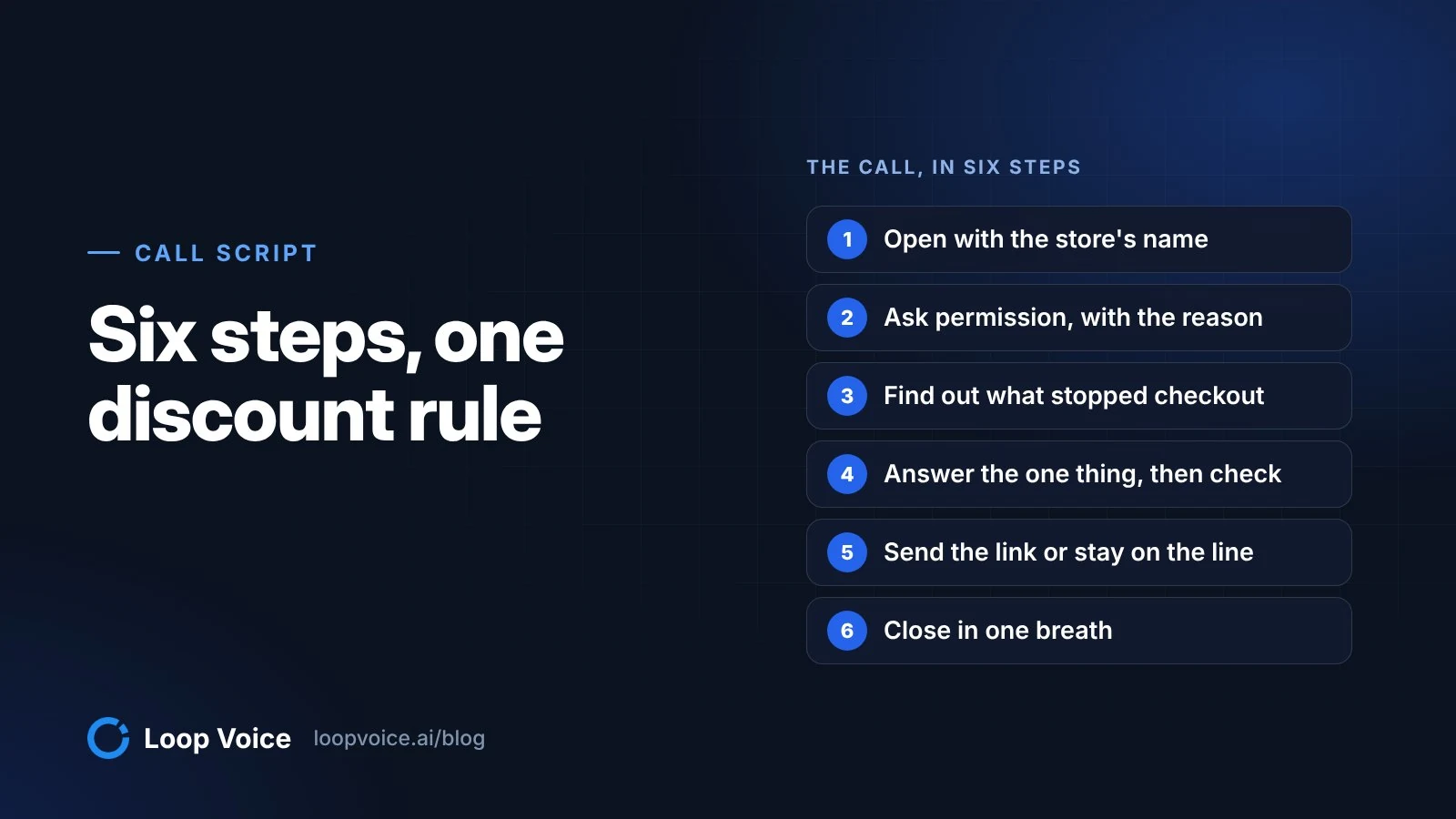
Likely tools: search_calls, get_call. You want the agent's replies side by side, with inconsistent ones flagged, such as a code offered on one call and not another. Each one is a line to fix in the agent's instructions; our call script template shows how.
6. "Show three calls where the shopper said they'd think about it or buy later. What did the agent do, and did any of those shoppers order afterwards?"
Likely tools: search_calls, get_call. Each call with its outcome and attribution, and any later order labeled attributed, not caused.
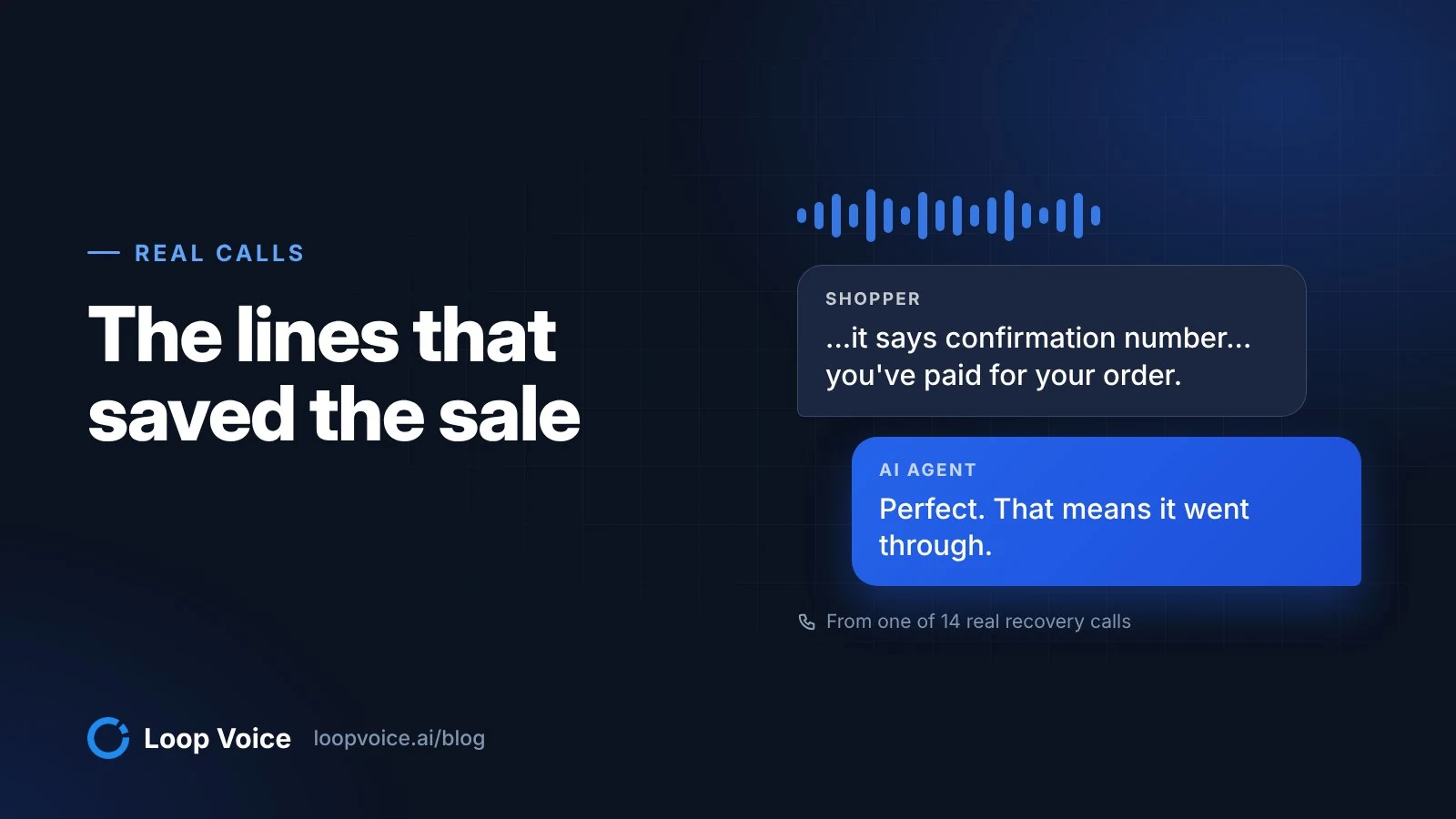
A search like prompt 5's also turns up objections the agent cleared, like this one from a pet chew store:
Okay. I don't see, I don't see where it has to be a monthly thing.
Come on, pay the thing.
Perfect. Then you're on a one-time purchase.
Are you ready to tap place order on that screen?
Yeah, I did it.
A shopper who worries that checkout will sign her up for a subscription isn't objecting to the product. If that worry shows up across many calls, fix the product page, not the agent's script. More recordings are in our call library.
Voicemail and failed calls (prompts 7 to 9)
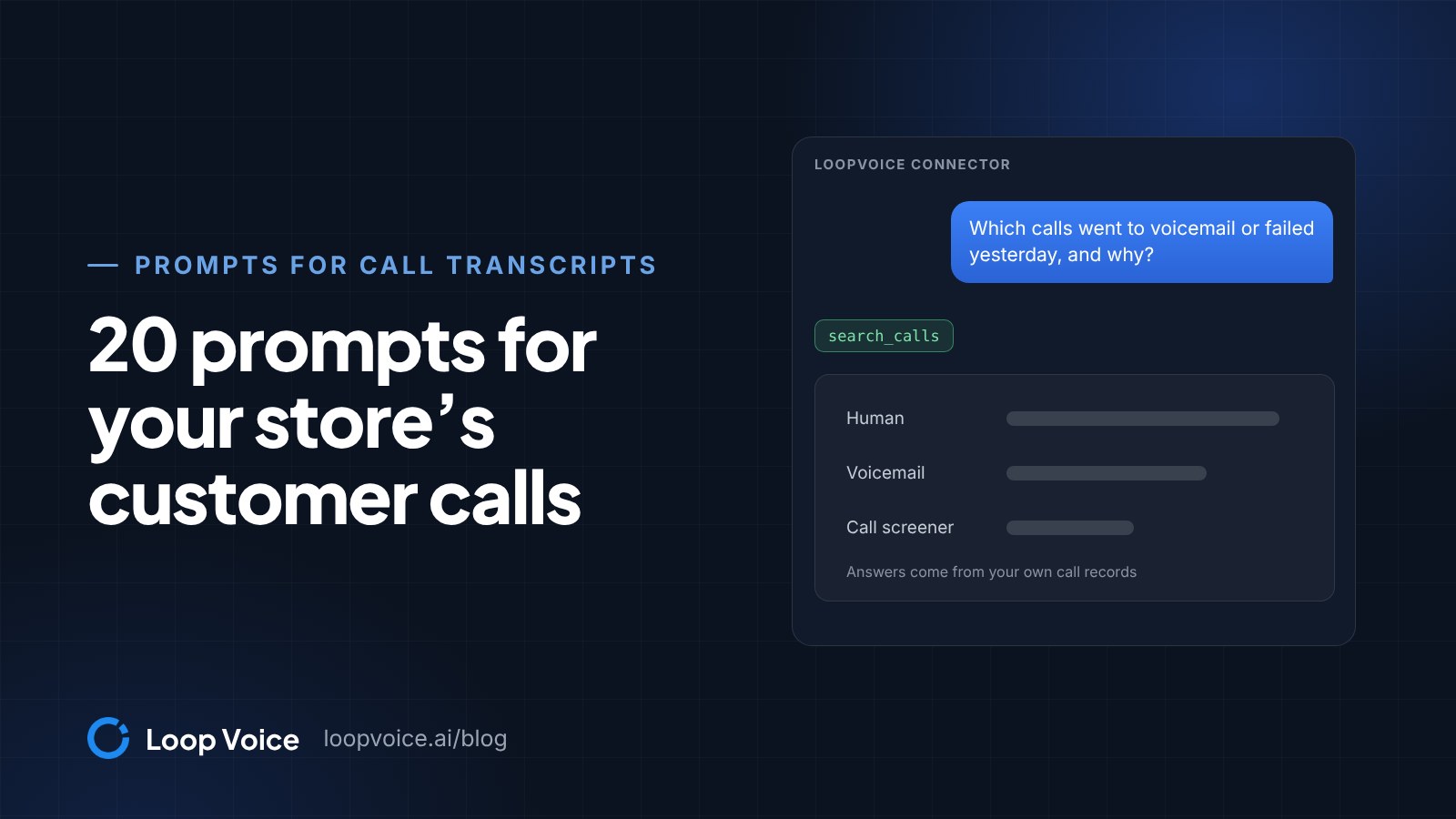
7. "Which calls went to voicemail or failed yesterday, and why? Group them by who answered and by outcome."
Likely tool: search_calls. A good answer keeps people and machines apart: Loop Voice records who answered as human, voicemail, unreachable or call screener. A cluster of failures on one number points to setup, not shoppers.
8. "Show the pickup funnel for the last 14 days. Give each step's count and rate, and what each rate divides by."
Likely tool: get_customer_insights. Per-shopper and per-call rates must stay apart. In the September 2026 benchmark, 15.9% of shoppers called picked up at least once, yet only 6.6% of individual calls reached a person (a figure from the report's data download), because many shoppers got more than one attempt.
9. "Is anything blocking calls right now? Check the plan, credit balance, phone numbers and 10DLC registration, integrations and open alerts."
Likely tool: get_account_status. Each blocker with the screen where it's fixed, and each passing check marked as passed, so you know it looked.
Support calls and handoffs (prompts 10 and 11)
10. "What did inbound callers ask about this month? For each topic, how many calls did the agent resolve, how many did it hand off, and why?"
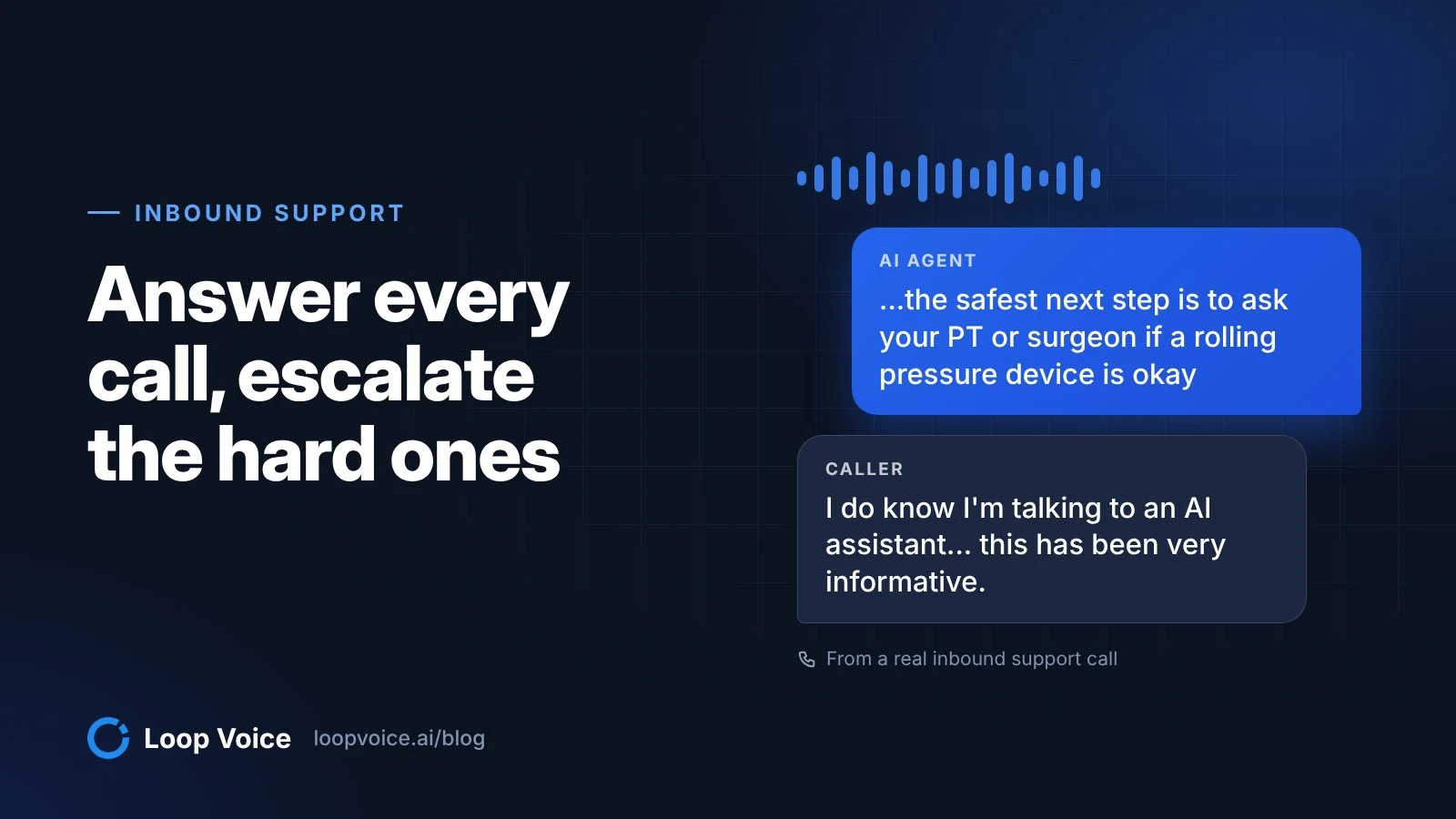
Likely tool: get_customer_insights. Topics ranked, with resolved and handed-off counts and handoff reasons in the callers' words. A topic that mostly hands off usually needs a knowledge-base answer or a clearer policy before it needs a new prompt; the inbound support line page explains handoffs.
11. "Open last week's handoffs and tell me which ones the agent could have handled if the knowledge base had the answer. Quote each question."
Likely tools: get_customer_insights, get_call, search_knowledge_base. Each handoff paired with what the knowledge base says, or "nothing found". Complex refunds, legal and medical questions don't belong on this list: Loop Voice's built-in rules stop or escalate those calls on purpose.
Campaign health (prompts 12 and 13)
12. "Is my [campaign name] campaign ready to launch? List every blocker and the credit estimate."
Likely tool: get_campaigns. Readiness, each blocker with its fix and the credit estimate, but no promised finish time: a campaign calls each shopper inside the daily window in their time zone, so a large list can take more than a day.
13. "How did last month's campaigns do against what they cost? One row per campaign, with results, attributed orders and cost."
Likely tool: get_campaigns. Cost per attributed order, worked out from the rows shown. Whether a campaign added orders that wouldn't have come anyway takes a holdout test.
One shopper's history (prompts 14 and 15)
14. "Show every call, text and order for the shopper behind order [order number], in time order."
Likely tool: get_customer_timeline. A timeline with each call's outcome and contact details masked, so you can see what happened before the order.
15. "A customer says our agent was pushy. Find her calls from the last two weeks and quote what the agent said, line by line, without commentary."
Likely tools: get_customer_timeline, get_call. Transcript lines and nothing else. Judge the tone yourself against the agent's guardrails, such as no arguing and respect refusals, and listen to the recording in Loop Voice soon: recordings are kept 7 days by default unless you extend retention to 90.
Agent comparisons (prompts 16 and 17)
16. "Compare my agents' pickup and conversion rates this month, with the number of shoppers behind each rate."
Likely tools: get_agents, get_performance. A table with denominators, and no ranking where the numbers are thin. The September 2026 benchmark greys out any cell under 200 calls or shoppers, so hold yours to the same floor.
17. "List each agent with its phone number, voice and results this month against last month."
Likely tool: get_agents. A roster you can check against what you believe is live. An agent on the wrong voice or number shows up here before it shows up in results.
Knowledge-base gaps (prompts 18 and 19)
18. "What does our knowledge base say about returning opened items? Quote the passage and where it came from, or say there's nothing."
Likely tool: search_knowledge_base. The passage and its source page or file. "Nothing found" is a useful answer, because the agent hits the same gap on live calls.
19. "Find support calls from the last 30 days where the agent couldn't answer. Check each question against the knowledge base and draft a one-line answer for the ones it misses."
Likely tools: search_calls, get_customer_insights, search_knowledge_base. Questions marked covered or missing, with drafts you edit before they go in. Inside Loop Voice, the knowledge base's answer gaps list tracks the same thing over 7, 30 or 90 days.
Deep research in ChatGPT (prompt 20)
20. "Using LoopVoice, find out why pickups on the abandoned-checkout flow changed this month. Cite every call, flow and setting you opened."
Likely tools: search and fetch; OpenAI's MCP guide says ChatGPT's deep research and company knowledge use tools with those two names. A citation for each claim, a clear line between what it found and what it guessed, and a short list of settings to check in Loop Voice.
What a good answer looks like
Example: an answer to prompt 4 that follows the four rules, with placeholders where your numbers would go.
"Read [n] abandoned-checkout calls from [date] to [date] with no order afterwards. Reasons, by number of calls: shipping cost ([n]), comparing other stores ([n]), checkout error ([n]), no reason given ([n], left out). Shipping cost, call [ID]: '[the shopper's line]'."
Push back on any answer that skips the count, mixes per-shopper and per-call rates, or calls attributed revenue extra revenue. Then listen to two or three of the quoted calls yourself in Loop Voice, because tone lives in the audio.
Run the prompts on an export instead
Without the MCP server, you can run the call prompts on a file, but you lose live data and the masking becomes your job.
- In Loop Voice, filter the call log to the dates and flow you want and export it to CSV. Exports cover 30 days of history by default (Loop Voice help).
- Open the file first. Check whether it holds transcripts or only summaries, and delete every column the question doesn't need, starting with phone numbers, emails and full names. The FTC's guide to protecting personal information puts the rule in two words: scale down (FTC).
- Upload it. In Claude, click + and choose Add files or photos; CSV is supported, up to 20 files per chat and 500MB per file (Claude Help Center). In ChatGPT, attach it to your message. For one or two calls, paste the transcript from the call record instead.
- Rewrite the prompt for the file, naming the columns: "Using the attached CSV, where [column] is the outcome and [column] the transcript..."
Prompts about the calls themselves (4 to 7 and 15) work on a good export. Prompts 2, 3, 9, 11 to 14 and 17 to 20 need the live workspace, because they draw on flow status, Loop IQ suggestions, account status, campaigns, texts, agent settings or the knowledge base.
Privacy, masking and who can see what
Through the MCP server, phone numbers and emails come back masked unless a workspace admin allows them. None of the 20 prompts needs them unmasked.
Every request is checked against the role of the person who signed in and written to an audit log, and connected apps are managed under Settings, Connected AI apps (Loop Voice help). A CSV in a chat has none of that: no masking unless you removed the columns, and no audit trail on the Loop Voice side.
Check what your assistant does with uploads. On Claude's Free, Pro and Max plans, the Help Improve our AI models setting under Settings, Privacy decides whether new chats are used for training (Anthropic Privacy Center); commercial plans aren't used by default (Anthropic). OpenAI trains on ChatGPT conversations unless you opt out, but not on Temporary Chats or, by default, business users' data (OpenAI).
Shopify's guidance for its own AI connectors puts the legal side plainly: when you share customer data with an AI tool, your obligations under laws such as GDPR and CCPA stay with you (Shopify Help Center). Confirm with counsel what your privacy notice covers before you upload customer conversations. How Loop Voice stores recordings and transcripts is on our security page.
Frequently asked questions
Where do I listen to a call my assistant quotes?
In Loop Voice. Each call record holds the recording next to the full transcript, a short summary and QA notes. Recordings are kept 7 days by default, extendable to 90, so open a complaint call within the week.
Should I ask Loop IQ or my own assistant about calls?
Both read the same workspace. Loop IQ lives inside Loop Voice and can draft a change that waits for your approval. The MCP server brings the workspace into Claude or ChatGPT next to connectors such as Shopify's or Klaviyo's, and can't change anything.
How many calls should an objection analysis be based on?
Enough that every reason you act on has a count you'd defend. Loop Voice's September 2026 benchmark publishes no cell under 200 calls or shoppers, and its reasons came from 824 abandoned-checkout conversations, tagged automatically with 200 calls a month checked by hand.
Sources
- Loop Voice MCP server for Claude, ChatGPT and Gemini (Loop Voice, 2026)
- Loop Voice Ecommerce Benchmark, September 2026 (Loop Voice, 2026)
- Loop Voice Ecommerce Benchmark, September 2026: data download (JSON) (Loop Voice, 2026)
- Exporting reports and CSV (Loop Voice Help, 2026)
- Connect Claude, ChatGPT, Gemini or Cursor to Loop Voice (Loop Voice Help, 2026)
- Building MCP servers for plugins and API integrations (OpenAI, 2026)
- Protecting Personal Information: A Guide for Business (Federal Trade Commission, 2016)
- Upload files to Claude (Claude Help Center, 2026)
- How do I change my model improvement privacy settings? (Anthropic Privacy Center, 2026)
- Is my data used for model training? (Anthropic Privacy Center, 2026)
- How your data is used to improve model performance (OpenAI, 2026)
- Considerations for using third-party AI tools with your Shopify store (Shopify Help Center, 2026)
Hear it before you decide
Listen to real recovery calls, or see Loop Voice call a test checkout on your own store.