Shopify Checkout Not Working? What Shoppers Told Us on the Phone
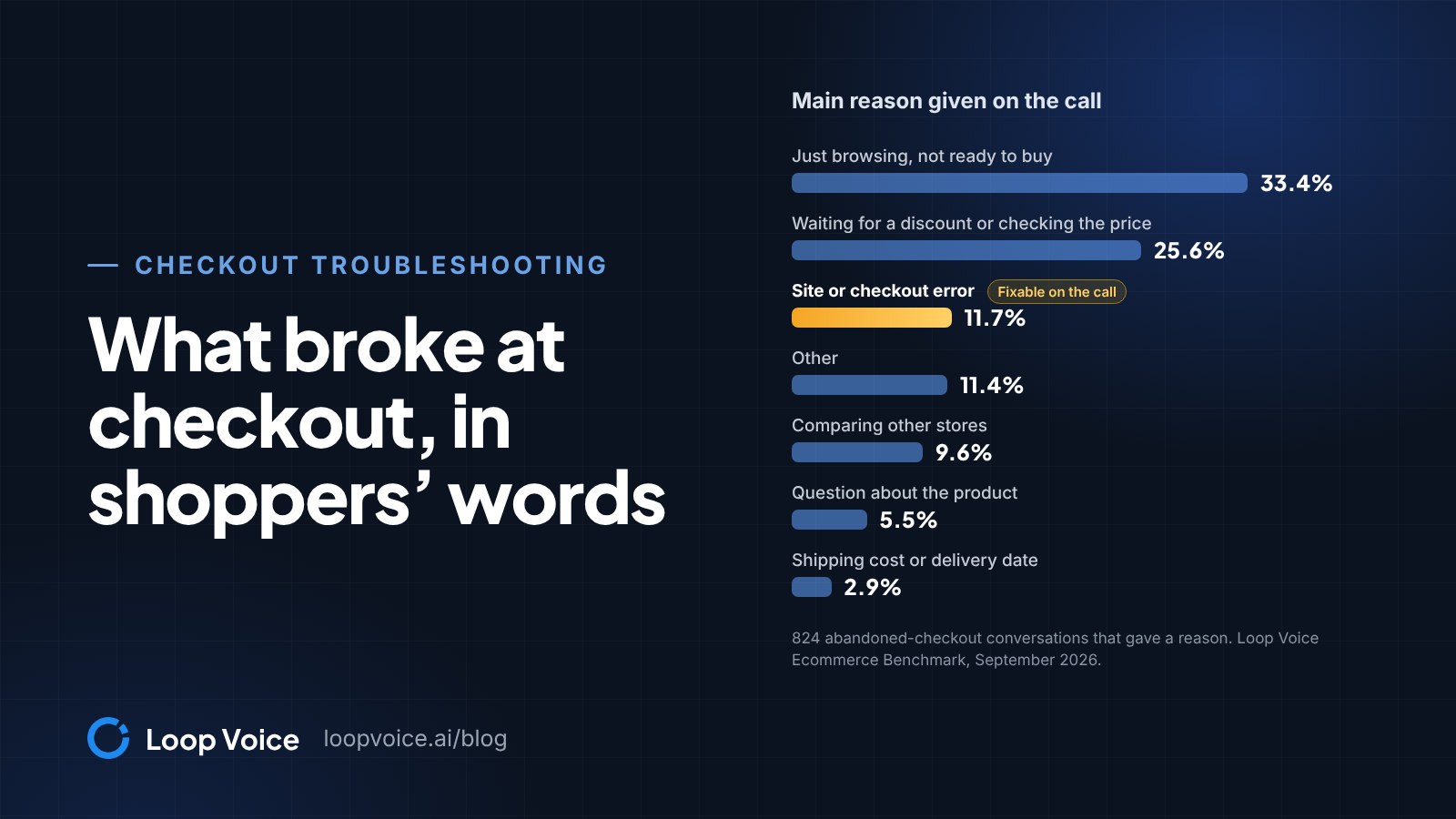
When shoppers can't finish a Shopify checkout, look in four places: payments, the apps and rules that touch the cart, shipping and address settings, and the shopper's device. In Loop Voice's September 2026 benchmark, 11.7% of the abandoned-checkout conversations that gave a reason named a site or checkout error.

Key takeaways
- Place a test order and check Shopify Status first. If your own order fails, the problem is store-wide.
- In Loop Voice's September 2026 benchmark, 11.7% of the 824 abandoned-checkout conversations that gave a reason named a site or checkout error.
- Shopify deprecated Scripts as of June 30, 2026, and scripts still published have been deactivated. Rebuild those rules with Shopify Functions.
Test it yourself before you change anything
If shoppers can't finish checkout on your Shopify store, place a test order and check Shopify Status before you touch a setting. If your own order fails, look for a store-wide cause; if it goes through, the problem is specific to some cards, carts, addresses or devices, and you need to find out which.
In Loop Voice's September 2026 benchmark, 824 abandoned-checkout conversations gave a reason for not ordering, and 11.7% of them named a site or checkout error (95% CI 9.7 to 14.1). Only just browsing (33.4%) and waiting for a discount or checking the price (25.6%) came up more often. Reasons were tagged automatically, with 200 calls a month checked by hand.
In Baymard Institute's survey of US online shoppers, once the shoppers who were just browsing are set aside, 17% abandoned because the website had errors or crashed and 10% because their card was declined (Baymard's abandonment research).
Run these five checks first:
- Place a test order on a phone and a computer, with Shopify Payments test mode or Shopify's test payment gateway (Shopify's test order guide). Switch test mode off afterwards: customers can't place live orders while it's on.
- Check Shopify Status, which lists Checkout and Storefront separately.
- Open Settings > Payments and look for a test mode indicator or a verification, restriction or suspension notice. Shopify's checkout payment troubleshooting guide starts there when every payment fails.
- Read the newest abandoned checkouts. A failed payment usually creates no order; Shopify logs each attempt as a payment event in the abandoned checkout's Timeline (Shopify on abandoned checkouts).
- List what changed: apps, theme edits, discount codes, shipping profiles, payment methods. A problem with a start date usually has a cause from the same date.
Match what the shopper sees to the cause
Shoppers describe screens, not settings. Each row below comes from Shopify's own help pages.
| What the shopper sees | Likely cause | Where to look |
|---|---|---|
| "Your card was declined." | The card issuer said no | The failed payment's Message field in the Timeline |
| "There was an issue processing your payment." | A general processing error | Another payment method, then a private window; Shopify Status if every customer sees it |
| Pay now returns to the payment page with no error | Ad blockers, privacy extensions or VPN plugins; an expired session; a slow connection | A private window with extensions off; a refresh and a new start; a steadier connection |
| "Too many attempts" | A temporary rate limit that a shared office or mobile network can trip | Wait a few minutes; tell Shopify Support if genuine customers keep hitting it |
| "Discount couldn't be used with your existing discounts." | A discount that isn't set to combine | Each discount's combination settings |
| "Shipping not available. Your order cannot be shipped to the selected address." | No zone or rate covers that address, weight or cart value | Shipping profiles, zones and rate conditions |
| The address won't go through | The state or province doesn't match the postal code | The address itself, then your address collection settings |
| Nobody can pay at all | Test mode, a payments account restriction or an incident | Settings > Payments, then Shopify Status |
Payment failures: declines, loops and 3D Secure
A decline is the bank's decision, not Shopify's. The failed payment's Message field shows the bank's reason when it gives one, but many banks send only a generic decline, so Shopify's advice is another payment method or a call to the bank.
Sofia, buying from an auto parts store, retried a declined payment while still on a recovery call, and the agent waited for the screen that settles it: "Does the page then change to order confirmed?"
A pay button that sends the shopper back to the payment page with no error message is a different problem, and Shopify calls it a payment loop. The usual causes are ad blockers, privacy extensions or VPN plugins blocking payment scripts, an expired session, or a slow connection. Because nothing on the screen says what went wrong, ask what the page does after the shopper presses pay. On a Modern Hearing call, the agent did exactly that with Melvin:
Got it. That shop in blue at the top is normal. It's basically the checkout system branding. Right now, when you click pay now, does it take you back to the same credit card screen again, or has it not done it yet this time?
All right, I'm gonna click on it for the first time.
Okay, go ahead and click pay now once, and then just tell me what happens on the screen. Does it spin, process, show an error, or bounce back to card entry?
Uh, it says confirmation number such as that you've paid for your order. View order confirmation.
Spin, process, error or a bounce back to the card form: each answer points somewhere different. Melvin's screen showed a confirmation, so the order had gone through.
Bank verification leaves a clearer trace. If the shopper closed the 3D Secure window or the approval never reached their banking app, the Timeline entry starts with "The customer failed 3D Secure authentication." No charge is made.
Apps, scripts and add-ons
When checkout breaks on a particular day, look at code and apps first. As of June 30, 2026, Shopify Scripts has been deprecated, and scripts still published on a store have been deactivated (Shopify's Script Editor page). Scripts could change line item prices, shipping methods and which payment methods showed, so a discount, shipping or payment rule that ran on one no longer works. Shopify's replacement is Shopify Functions.
Apps that add to the cart or checkout, such as protection plans, upsells and gift options, come next: turn them off one at a time and place a test order after each. When a shopper says the store won't load, ask which browser and device they used and try that browser in a private window.
Add-on offers can stall a checkout without breaking anything. Jay, a Modern Hearing shopper, finished his order on a call after the site wouldn't load on two computers. Near the end of checkout, he asked about a six-month backup option:
Got it. If you're seeing six-month backup or other options, those are just optional add-ons.
If you don't want them, selecting no thanks is totally fine. After you hit no thanks, does it bring you back to a page with complete purchase again, or is it showing something else?
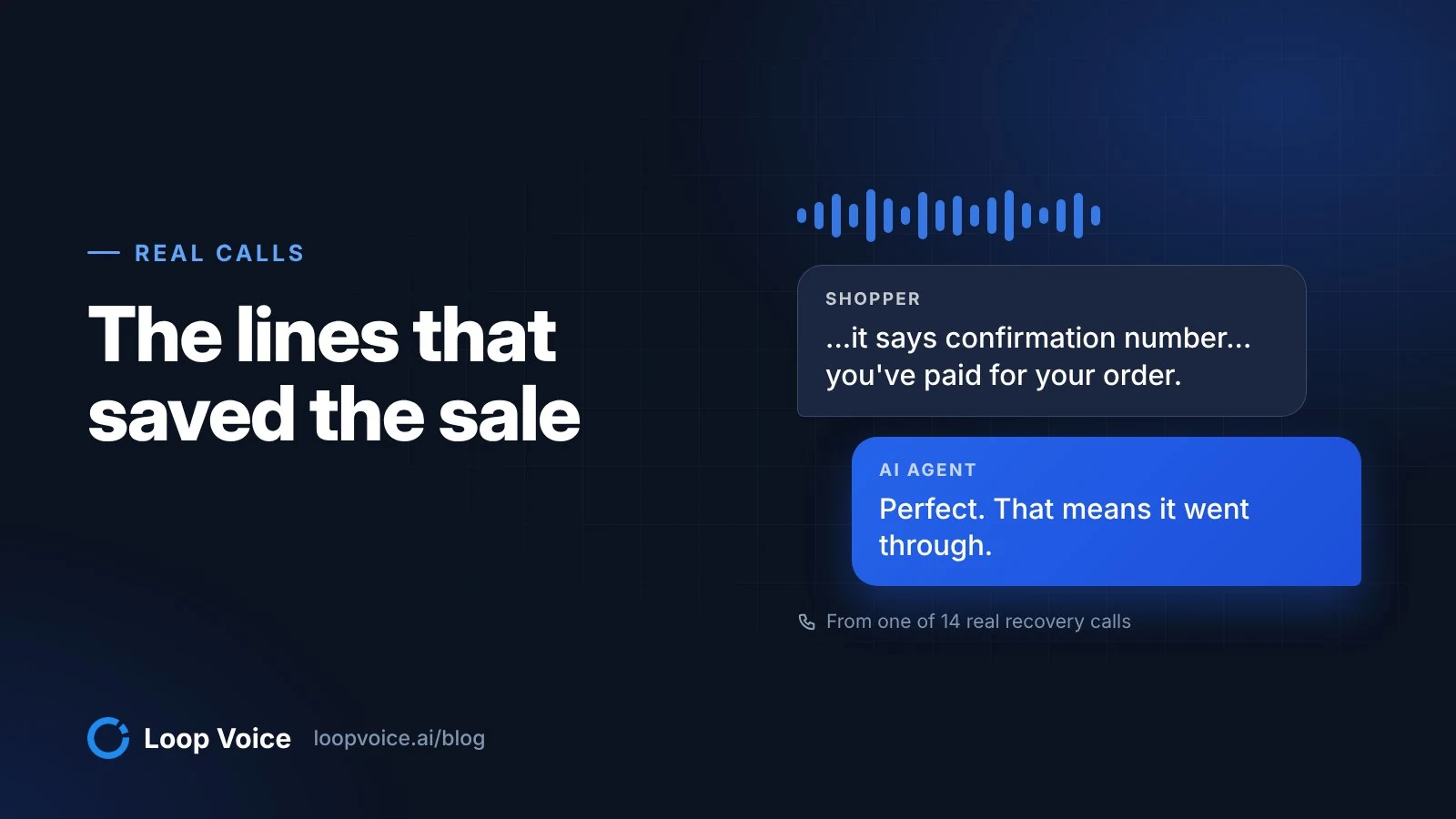
Okay. Now it says your order is confirmed.
Perfect. That means it went through.
A shopper at a pet chew store asked the same about shipping protection: "Now do you have to have the shipping protection?" Label add-ons optional, and make the decline as easy to find as the accept.
Discount codes and shipping rates
To a shopper, a code that won't apply is a broken checkout, even when every setting is doing its job. Check it against its own rules (Shopify on discount code settings): a minimum order amount, active dates (which follow your admin's time zone), usage limits, and eligibility for specific customers, products or variants.
Then check combinations. Discounts stack only when each one's settings allow it; otherwise checkout shows "Discount couldn't be used with your existing discounts." and picks the best discount or combination for the customer. One order takes at most 5 product or order codes and 1 shipping code (Shopify on combining discounts).
If you send codes in recovery calls or texts, test those codes too. Loop Voice agents can offer only the Shopify codes you allow, and Loop IQ can report which discount codes are failing Shopify verification.
Shipping fails more bluntly. When no rate matches, the shopper sees "Shipping not available. Your order cannot be shipped to the selected address." and can't continue. Shopify's shipping rate troubleshooting guide points to four causes:
- No rate in the zone that contains the address, or a country that isn't in a market.
- No rate for the cart's weight or price. Price-based rates use the value after discounts, so a code can drop a cart into a tier with no rate.
- Products with no weight count as weightless, and digital products or services get no rates.
- A location that isn't set to fulfill online orders.
Test each fix with a new checkout, because abandoned checkouts keep the rates they started with.
Addresses, Shop Pay and screens shoppers don't recognize
Shopify checks that the state or province matches the postal code, and a shopper whose address fails must fix it before finishing; only Plus stores can turn that check off. Billing options sit in Settings > Checkout > Advanced preferences > Address collection (Shopify's address collection settings).
By default the shipping address fills the billing field. Leave "Require shipping and billing address to match" off unless fraud forces it. It applies to card and Apple Pay payments, Shopify recommends it only for stores with a high amount of fraudulent orders, and it "will prevent customers from sending gifts." Shopify also warns that running its address validation alongside a third-party validation app can lower conversion.
Greg, buying from Modern Hearing, was stuck until the agent had him tick the box so billing matched shipping and try again. The recording doesn't show why the earlier attempt failed:
Yep. That's the one. Go ahead and check that box so billing matches shipping, then try tapping place order again. What happens when you do that?
Okay. I'll see you in a minute. Okay. It finally took Just confirm.
Perfect. Sounds like it went through. Do you see an order confirmation page with an order number, or did you get a confirmation email or text?
Melvin also asked about something he didn't recognize: "At the very top of the page, you've got shop in blue letters... I didn't really quite understand what that was for." The agent told him it was normal, the checkout system's branding. On the page that asks for a card, anything a careful buyer doesn't recognize is a reason to stop. Two checks:
- Shop Pay is explained. Shopify describes Shop Pay as an accelerated checkout option, included as part of Shopify Payments, that saves a customer's email, payment method and shipping and billing information. If it shows on your checkout, say what it is in your FAQ.
- Your logo heads the page. Add it in the checkout and accounts editor: Settings > Checkout > Configurations, Edit, then Logo in the Settings sidebar (Shopify's checkout style guide).
Find the shoppers who hit an error
Errors that hit only some shoppers don't look like errors in your reports. They look like abandoned checkouts. Three ways to find them:
- Read Timelines every week. Note the Message, payment method and country on each abandoned checkout with a payment event. The same failure across several shoppers points to a setting. Shopify deletes abandoned checkouts after three months, so export what you want to keep.
- Check the Blocked view. It lists attempts Shopify Payments stopped as high risk. A blocked IP usually clears within a day; for a customer you've confirmed is genuine, Shopify suggests a draft order and an invoice.
- Ask the shopper. A recovery email can remind; it can't ask what the screen said.
Asking is what Loop Voice's abandoned checkout calls do. The agent calls shoppers who started a checkout and agreed to be contacted (our guide to calling rules), names your store, asks what stopped the order and can stay on the line while the shopper completes it on your site. It never takes card details: when the agent walked Hodge, a Modern Hearing shopper, through checkout, he typed his card details into the store's own page while the agent waited. The flow ends as soon as the shopper buys, asks it to stop or has a negative call.
Each call comes with a recording, a transcript, a summary and QA notes you can search and export, so a week of calls shows which errors shoppers are hitting. Shoppers who phone you mid-checkout can reach an inbound agent that picks up on the first ring. More of these conversations are in real abandoned cart recovery calls and the call library.
Fix first, then follow up
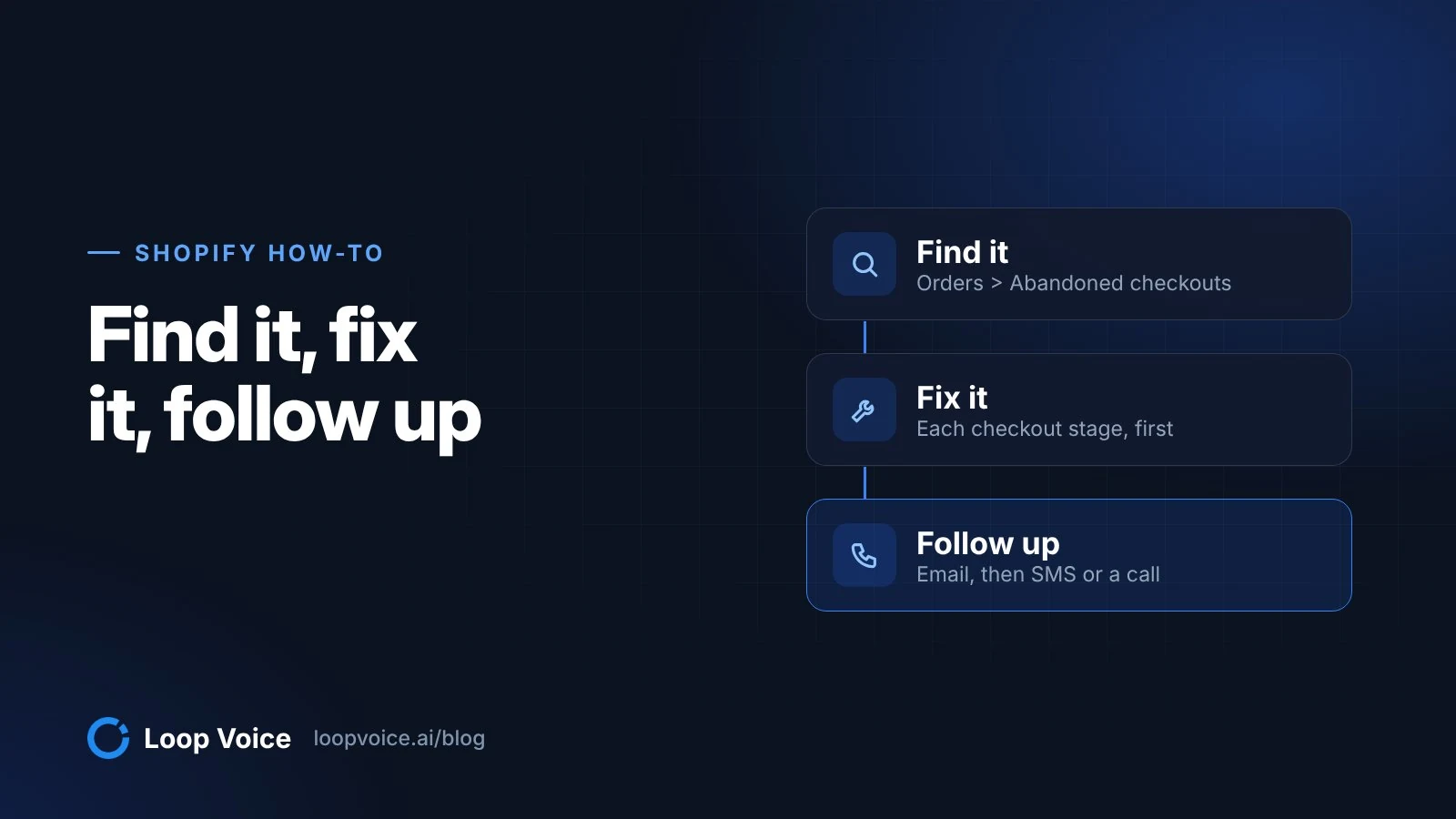
- If your own test order fails, fix it before anyone gets a reminder. Every email, text or call sends shoppers back to the same broken page.
- If the same payment method or country keeps failing, fix that setting or offer another method, then follow up with the shoppers it caught. They had already chosen what to buy.
- If the bank declined the card, a discount won't help. Point the shopper to another payment method or their bank.
- If the error is fixed and the cart is worth a call, follow up. An answered conversation costs about $0.95 to $1.49 on monthly billing, per Loop Voice's cost calculator, so weigh that against your margin on the cart; for small carts, email is enough.
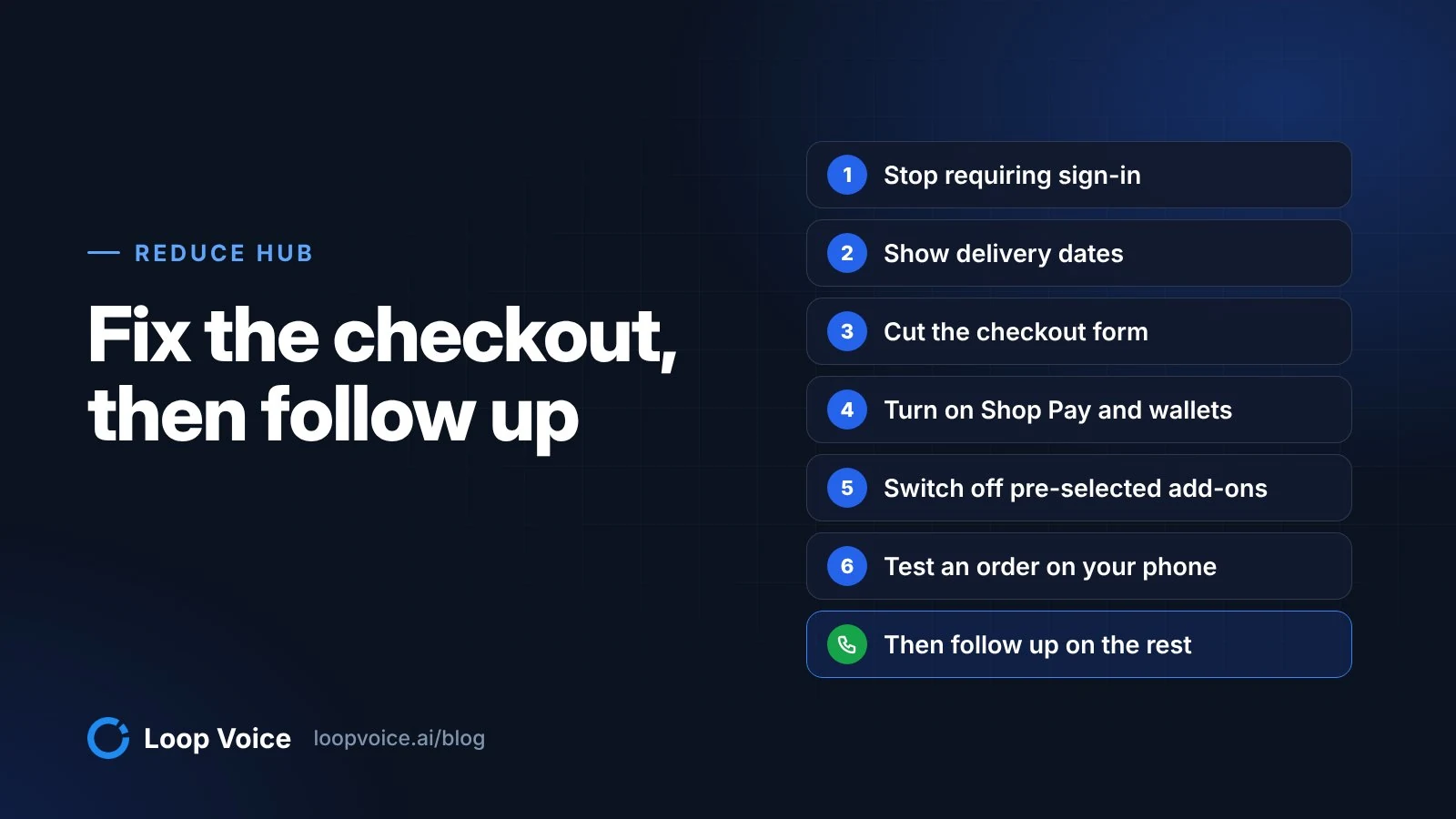
Once checkout works, the settings that cut abandonment are in how to reduce abandoned carts, and working the list stage by stage is in Shopify abandoned cart recovery.
Frequently asked questions
Why does a customer's payment fail when the card details are correct?
The card issuer makes that call, not Shopify. In Orders > Abandoned checkouts, expand the failed payment in the Timeline and read the Message field for the bank's reason. Many banks send only a generic decline, so the practical fix is another payment method or a call to the bank.
Do Shopify Scripts still run at checkout?
No. As of June 30, 2026, Shopify Scripts has been deprecated, and any scripts still published on a store have been deactivated. Line item, shipping and payment rules built with Scripts have to be rebuilt with Shopify Functions.
Can a voice agent fix a checkout error during the call?
It can get a shopper past the error, but it can't change your settings. On recorded calls, the agent explained that an add-on was optional, had a shopper check the billing box and stayed on until the confirmation page appeared. The cause still has to be fixed in your admin, or the next shopper hits it too.
Sources
- Troubleshooting checkout payment issues (Shopify Help Center, 2026)
- Placing a test order (Shopify Help Center, 2026)
- Recovering abandoned checkouts (Shopify Help Center, 2026)
- Shopify Status (Shopify, 2026)
- Shopify Scripts and the Script Editor app (Shopify Help Center, 2026)
- Discount codes (Shopify Help Center, 2026)
- Combining discounts (Shopify Help Center, 2026)
- Troubleshooting and testing shipping rates (Shopify Help Center, 2026)
- Set up address collection preferences (Shopify Help Center, 2026)
- Shop Pay accelerated checkout for fast, secure payments (Shopify Help Center, 2026)
- Customizing the style of your checkout (Shopify Help Center, 2026)
- Cart Abandonment Rate Statistics (Baymard Institute, 2025)
- Loop Voice Ecommerce Benchmark, September 2026 (Loop Voice, 2026)
Hear it before you decide
Listen to real recovery calls, or see Loop Voice call a test checkout on your own store.