Where Is My Order Calls: How to Prevent Them and Answer the Rest
Many where is my order calls come from silence after checkout. Fix eight Shopify settings, then let an AI agent give order status and hand late or lost parcels to a person.

Key takeaways
- Many WISMO calls start with silence: no shipping email, stalled tracking or a missed delivery date.
- Shopify customers who check out with only a phone number get no shipping updates by SMS.
- If an order can't ship by the promised ship date, the FTC's rule calls for a notice by then with a new date (or a statement that you don't have one) and a free way to cancel, or a cancellation and full refund.
- An AI agent can answer routine status calls 24/7 and hand late, lost and delivered-but-missing parcels to a person.
Where WISMO calls come from, and the fix
Where is my order (WISMO) calls come from silence between checkout and the doorstep: no shipping email, tracking that hasn't moved, or a delivery date that has passed. Fix the Shopify settings that cause the silence, then let an AI phone agent answer the remaining calls with the order's status and hand late, lost and "delivered but not here" parcels to a person.
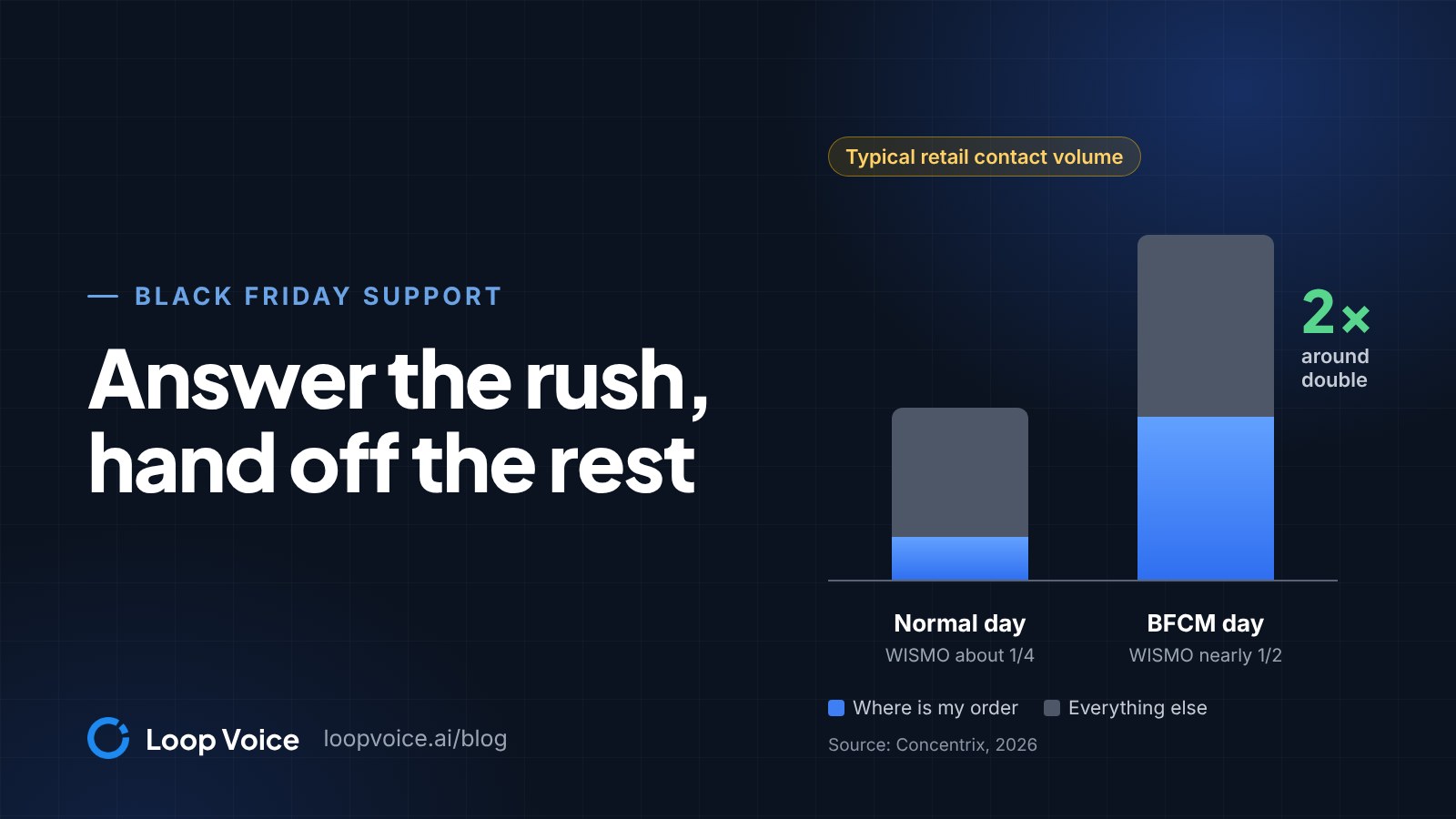
Order status is often the largest single category of support contacts, and it grows at peak (see our Black Friday support plan). Loop Voice, which publishes this blog, makes one such agent; the prevention steps work without one.
Six moments that trigger a WISMO call
| Moment | Usual cause |
|---|---|
| No shipping email | Fulfilled with the notification unticked, or a phone-only checkout |
| Tracking never moves | No tracking number, or a carrier Shopify can't read status from |
| Someone else's scans | A tracking number the carrier reused at peak |
| Promised date passed | A fulfillment time shorter than reality, or an unannounced delay |
| "Delivered" but not there | A side door, a neighbor, a mailroom, or a lost parcel |
| Half the order arrived | Preorders, subscriptions or stock in other locations ship separately |
Three are easy to miss. Customers who check out with only a phone number get one SMS order confirmation and no shipping notifications by SMS. With an unsupported carrier, the order status page shows a tracking link but no status, and at peak a reused tracking number can show an earlier parcel's scans (reported with USPS and Canada Post, per Shopify).
How to reduce WISMO: 8 Shopify settings to check
Each of these closes a gap that otherwise ends in a call:
- Turn on every shipping email. Settings > Notifications > Customer notifications holds Shipping confirmation, Shipping update, Out for delivery and Delivered. The last two fire on carrier tracking events and can be switched off, so check they are on (Shopify notifications).
- Never fulfill silently. Keep Send shipment details to your customer now ticked when you fulfill, and the notification box ticked when you edit tracking.
- Track every fulfillment. Labels bought in Shopify add tracking automatically; for other carriers, enter the number and confirm the carrier, or choose Other and paste the full tracking URL (Shopify order tracking).
- Check customized templates. Shopify can't add the order status link to a customized order or shipping email, so add the order_status_url variable or revert to default, which erases your edits (Shopify order status updates).
- Show a date, not a speed. In Settings > Shipping and delivery > Estimated delivery dates, choose Manual and set your fulfillment time; checkout then shows a delivery date range for supported rates, but not with rates from third-party apps or for items with zero inventory, such as preorders (Shopify delivery dates).
- Close the phone-only gap. In Settings > Checkout, under Customer contact method, choose Email, or add a transactional SMS app for shipping texts.
- Keep Shop tracking on. The Shop app pushes shipping milestones, and Track with Shop is on by default; to check it, go to Sales channels > Shop > Settings, then Manage in checkout settings in the Track with Shop section.
- Mark untracked parcels delivered. Use Mark as delivered in the order's Fulfilled section, so the order status page shows the arrival (Shopify fulfillment guide).
Words that stop the follow-up call
Then fix the wording:
- Shipping confirmation: "Your order shipped with [carrier] and should arrive [date range]. Tracking can take [time] to show its first scan; if it hasn't moved by [date], reply here."
- Split order: "This box has [items]. [Item] ships separately with its own tracking email."
When an order can't ship on time
The FTC's Mail, Internet, or Telephone Order Merchandise Rule covers most goods ordered online or by phone: you need a reasonable basis for any shipping time you state, or for 30 days if you state none (FTC business guide). When an order can't ship on time:
- Cancel and refund in full, or ask the customer to agree to the delay, by phone, email or mail, no later than the ship date you promised (30 days after the order if you gave none).
- Give a revised ship date, or say you can't, and offer cancellation for a full and prompt refund, with a free way to cancel.
- If the new date is 30 days or less after the original, the first notice must say that no reply counts as agreement to the delay. For longer or open-ended delays, and any second delay, silence doesn't count: the notice must say the order will be canceled automatically unless the customer agrees to wait.
- Refund cash, check, money order or third-party credit card payments within seven working days of a cancellation.
- Template, new date 30 days or less out: "[Item] won't ship by [date]. The new ship date is [date]. Reply CANCEL to cancel for a full refund. If we don't hear from you, we'll ship on the new date."
- Template, more than 30 days out or no date yet: "[Item] won't ship by [date]. The new ship date is [date] (or: we can't give a new ship date yet). Reply YES to wait, or CANCEL for a full refund. If we don't hear from you and haven't shipped by [promised ship date plus 30 days], we'll cancel the order and refund you in full."
A note on the order status page backs up the notice but doesn't replace it. This is the practical rule, not legal advice.
Automating order status calls: what to answer and what to hand off
An agent with the order's status and your shipping policy can answer the routine ones, orders still inside their promised window, at any hour; calls that need judgment, money or a carrier claim go to a person as a ticket.
| Caller situation | Agent | Rule |
|---|---|---|
| Inside your processing or delivery window | Gives the status and the window from your policy | Resolve |
| Promised date passed | Gives the status, asks when they need it | Ticket, urgent |
| Delivered, nothing there | Asks where they have looked | Ticket, urgent |
| Part missing, damaged or wrong item | Notes what arrived | Ticket |
| Address change or cancellation | Notes the request | Ticket, urgent: act before it ships |
| Refund or reship request | Promises neither | Ticket |
| Asks for a person, or is upset | Stops | Ticket |
Set the priority in your helpdesk; the agent opens the ticket. During your support hours, the urgent rows can go to your team as a live transfer instead.
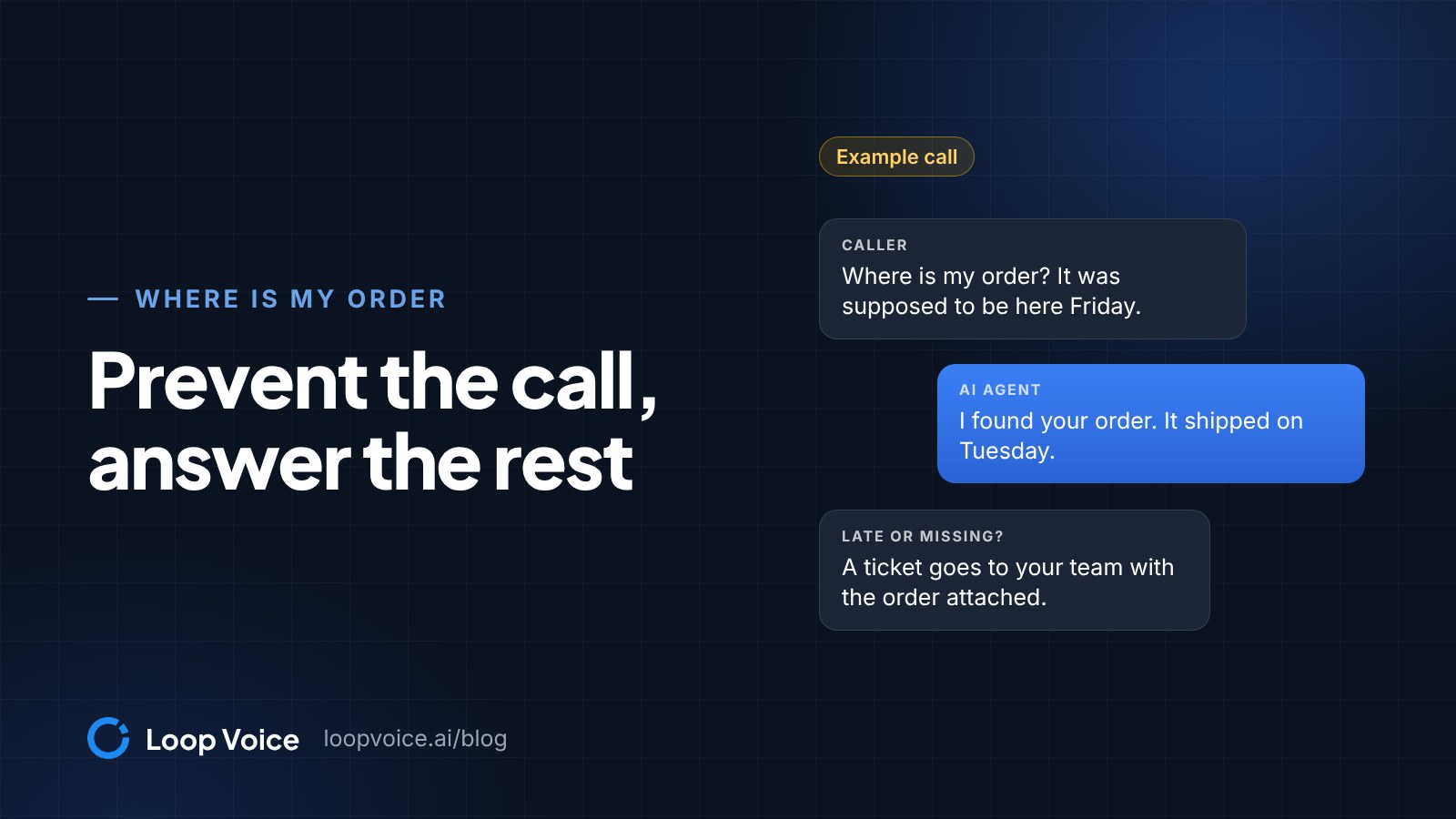
Example: a written sample, not a recorded call (the call library has no order-status call yet).
- Agent: "Thanks for calling [your store]. How can I help?"
- Caller: "My order was due Friday and nothing's here."
- Agent: (verifies the caller, finds the order) "Sorry about that. It hasn't shipped yet, which is later than we told you. I've sent this to our team with your order attached; they'll email you by [the time your team commits to] with a new ship date and the option to cancel for a full refund."
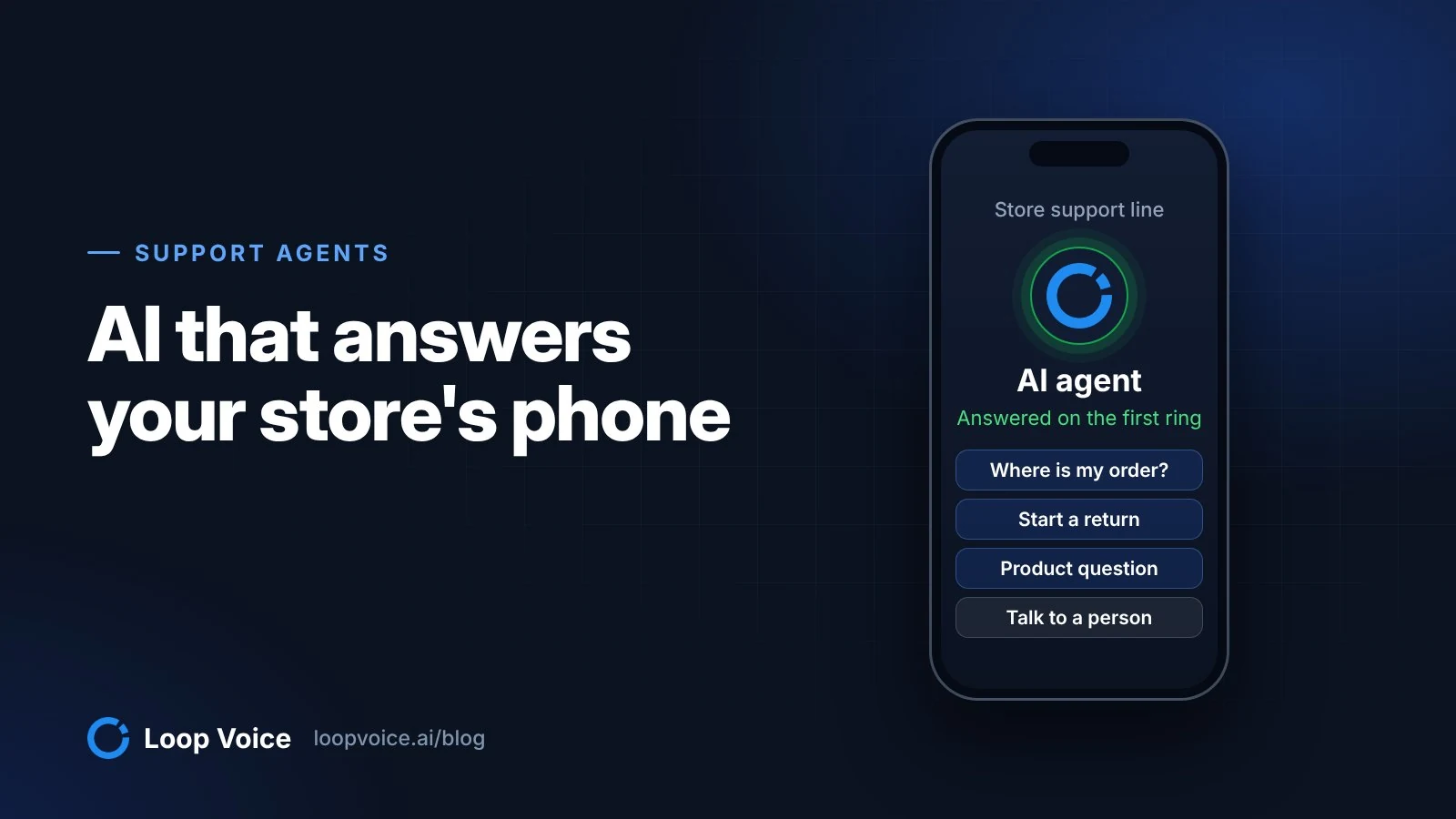
Loop Voice's inbound agent answers 24/7 and handles order status, returns and exchanges, sizing, shipping and subscription changes (customer support use case). It looks up the order and gives its status. When it cannot resolve something, it can transfer the caller to your team's number during your support hours, briefing the teammate first; otherwise a ticket is created with the AI summary, the order and the recording attached, in Loop Voice and also in Gorgias, Zendesk, Redo or by SMS.
Add verify identity from the objective library, and turn on the never hallucinate and stop on 'human' guardrails (features). Load processing times, transit times and your split-shipment and lost-parcel rules into the knowledge base.
To cover only evenings and weekends, forward your store line to the agent's number in those hours and change the forwarding for peak weeks (support setup guide).
Escalation rules for late, lost and "delivered" parcels
Customers with a lost parcel often end up calling you: UPS's claims page tells a recipient who wants updates on a claim to "reach out to whoever shipped the package with us" (UPS claims). Write these rules into the agent's script and your team's playbook:
- Late, not shipped: hand off the same day; a person ships it, or sends the delay notice if it hasn't gone out (it was due by the promised ship date).
- No new scan: decide how many business days without a scan counts as stuck for each carrier and put it in your shipping policy; have the agent ask when tracking last updated and hand off past the cutoff.
- Lost: a person reships or refunds under your policy, then works the carrier. USPS takes Missing Mail searches from 7 days after mailing and insurance claims up to 60 days from mailing (USPS); UPS wants claims within 60 days of the scheduled delivery.
- Delivered, not there: the agent asks where they have looked (porch, side door, neighbors, mailroom) and hands off; a person checks the order for a proof of delivery photo, which some carriers such as FedEx provide and Shopify keeps for up to 90 days (Shopify proof of delivery).
- Damage, wrong items, address changes, cancellations: always a person.
What to capture on the ticket
Beyond the summary, order and recording, have the agent ask what happened (no parcel, an empty or damaged box, the wrong item), which items are missing, where they have looked and when they need it. With the order, that covers most of a USPS search request, which asks for both addresses, the tracking number, mailing date, box size, a contents description and photos.
Measure WISMO every week
- WISMO contacts per 100 orders: order-status calls, emails and chats in a week, divided by orders shipped, times 100. For scale, Gorgias reports about 46 support tickets per 100 orders at electronics brands and about 20 at food and beverage brands, counting all support tickets, not only order status (Gorgias Ecom Lab, $10M GMV band, March 2026).
- Repeat contacts per order: a second contact about one order means the first answer failed.
- Handoff reasons: tag each ticket late, stuck, lost, delivered but missing, split, damaged or asked for a person.
- Answer gaps: Loop Voice's knowledge base lists real questions from live calls that found nothing, over 7, 30 or 90 days.
Each week, compare the numbers with last week, read five WISMO calls, and fix the biggest cause at the source, such as a notification that's off or a fulfillment time that's too short. Loop Voice keeps call recordings for 7 days by default; extend retention to 90 days so a weekly review never misses one, and re-crawl the knowledge base after any policy change.
What answering WISMO calls costs
Loop Voice costs about $0.95 to $1.49 per answered conversation on monthly billing (pricing).
Example: a store ships 4,000 orders a month and gets 3 order-status calls per 100 orders, so 120 calls, plus 150 returns, sizing and shipping calls. The Growth plan ($399 a month, about 330 answered conversations) covers all 270, about $1.48 a call.
Example: in-house, at 6 minutes a call, the same 270 calls take 27 rep hours, about $581 at the $21.53 median hourly wage for customer service representatives in May 2025 (BLS), before benefits. That assumes every call lands during a shift; one 40-hour week leaves 128 of the week's 168 hours uncovered. Calls the agent hands off as tickets still need a person, so the saving applies only to the calls it resolves.
With a few order-status calls a day and someone at the desk, fix the settings and skip the agent. Our cost comparison adds benefits to the math, and our AI phone agent comparison covers other options.
Frequently asked questions
What does WISMO stand for?
WISMO stands for "where is my order." Support teams use it to tag contacts about an order's status, by phone, email or chat.
How long should a store wait before treating a package as lost?
Set a rule for each carrier, such as a number of business days with no new scan after the promised date. USPS accepts a Missing Mail search request from 7 days after mailing, and UPS takes lost package claims within 60 days of the scheduled delivery.
What should an AI agent say when it doesn't know the delivery date?
It should say so rather than guess, give the date range your shipping policy states, and hand off if the promised date has passed. Check the answer gaps weekly and add any missing policy to the knowledge base.
Sources
- Setting up customer notifications (Shopify Help Center, 2026)
- Understanding order status pages (Shopify Help Center, 2026)
- Order tracking at Shopify (Shopify Help Center, 2026)
- Fulfilling your own orders individually (Shopify Help Center, 2026)
- Setting up manual delivery dates (Shopify Help Center, 2026)
- Setting up order status updates (Shopify Help Center, 2026)
- Setting up SMS notifications (Shopify Help Center, 2026)
- Business Guide to the FTC's Mail, Internet, or Telephone Order Merchandise Rule (Federal Trade Commission, 2025)
- Missing Mail and Lost Packages (USPS, 2026)
- File a Claim (UPS, 2026)
- Customer Service Representatives, Occupational Outlook Handbook (U.S. Bureau of Labor Statistics, 2026)
- Stop benchmarking against the average. (Gorgias Ecom Lab, 2026)
Hear it before you decide
Listen to real recovery calls, or see Loop Voice call a test checkout on your own store.